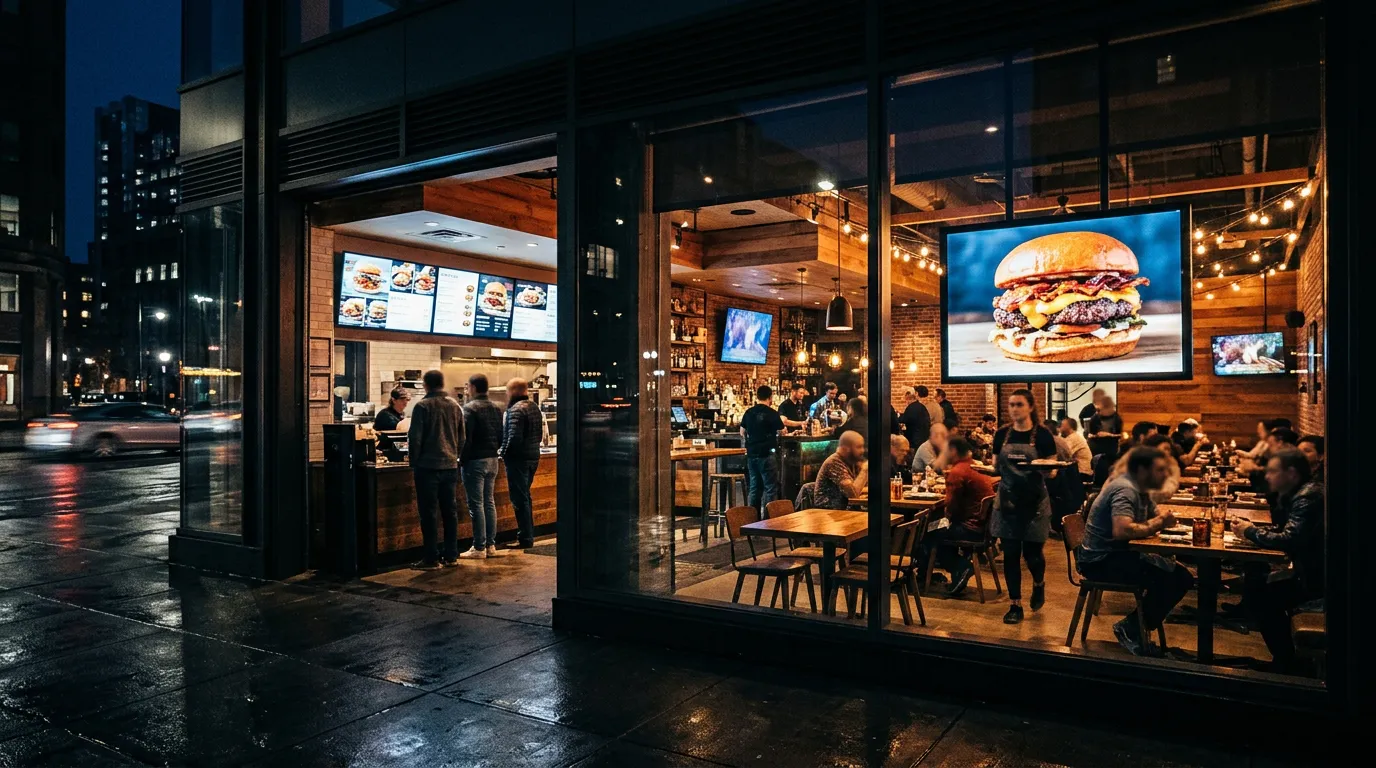
10 Best Places to Put a TV Screen in a Restaurant
Most restaurants put their first TV in the obvious spot: on the wall behind the counter. That's a good start, but it's rarely the only place a screen can earn its keep.
The right screen in the right spot helps customers order faster, gets your specials noticed, makes waits feel shorter, and draws people in from the street. The wrong spot wastes money and wall space.
If you're wondering where to put a TV in a restaurant, this guide covers the 10 best locations, what to show in each one, and the mistakes to avoid.
Before You Choose: How Customers Move Through Your Restaurant
Good restaurant TV placement starts with watching how customers actually move.
Notice where people:
Decide whether to come in
Stand while reading the menu
Wait in line
Wait for their food
Sit and eat
Pick up orders
Each of those moments is a chance to show something useful. The goal is to put the right message in front of customers at the moment it helps them, not to fill every wall.
The 10 Best Places to Put a TV Screen in a Restaurant
1. Behind the Counter
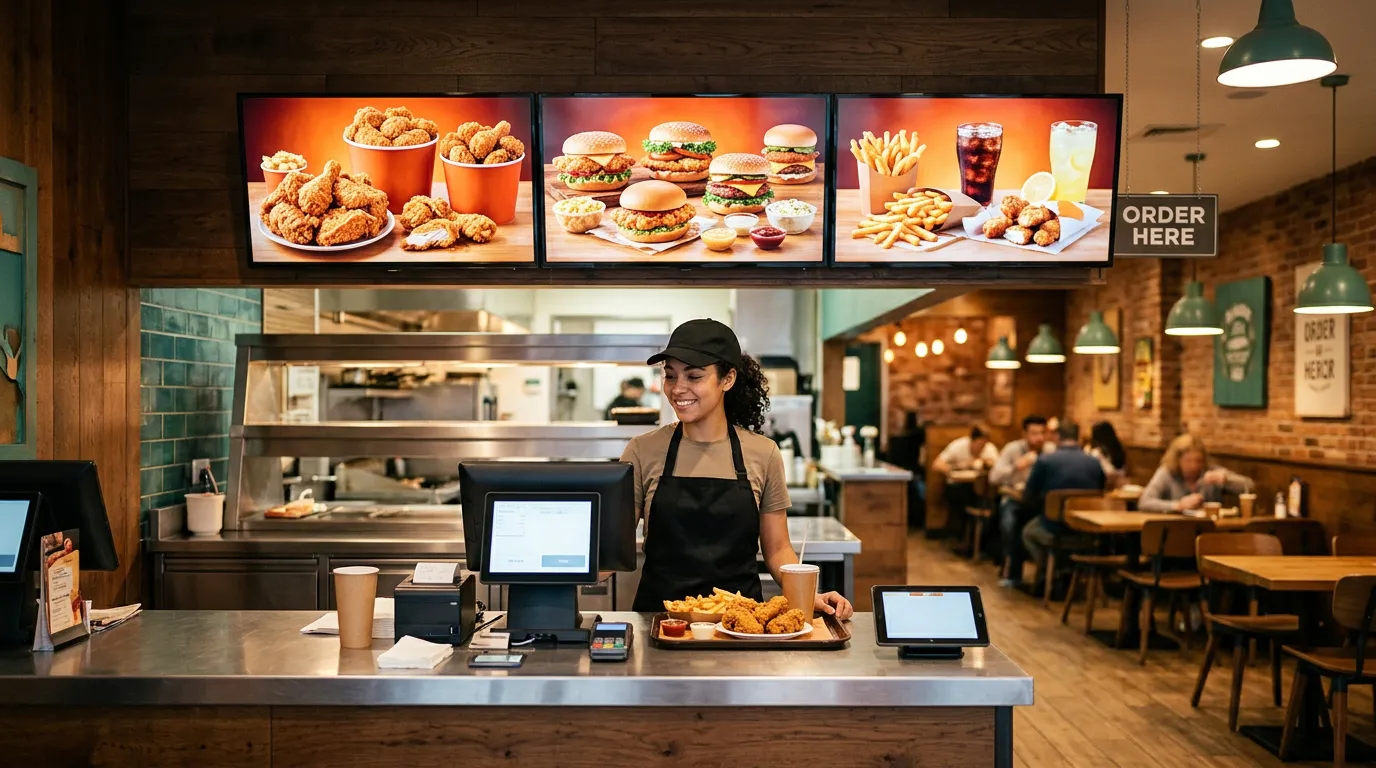
This is the most important screen in most quick-service restaurants, cafés, delis, and pizza shops.
It's your main menu board. Customers read it while they wait in line and decide what to order.
Menu board placement tips:
Mount screens high enough to be seen over the line, but not so high that customers strain to read them.
Group several screens side by side at the same height for a clean, consistent look.
Give each screen one category, like breakfast, sandwiches, or drinks.
Our guide on how to create a digital menu board walks through the setup.
2. In the Front Window
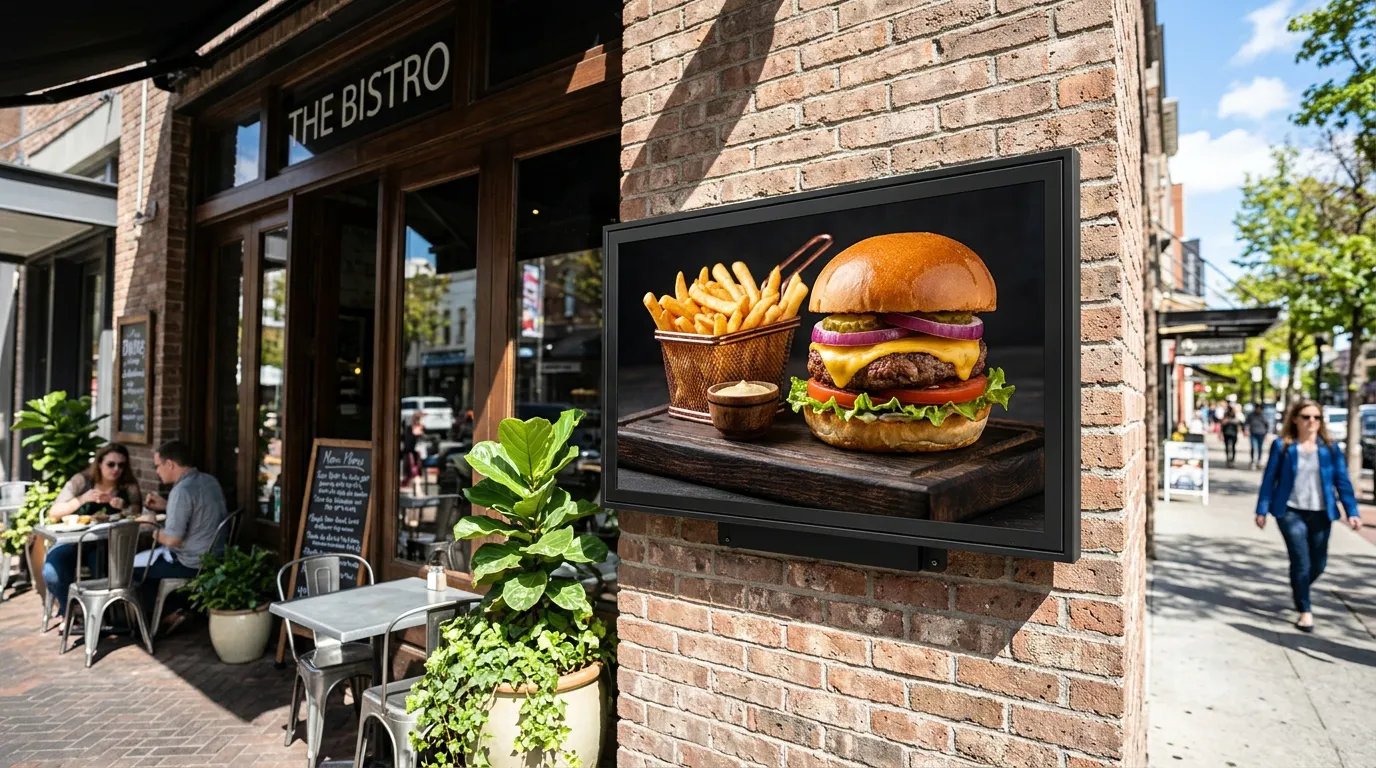
A window screen sells to people who haven't walked in yet.
Show your best-looking dish, today's special, or a simple offer that can be read in a couple of seconds. Bright, appetizing food photos work especially well after dark.
Bright sunlight can wash out a regular TV, so check the screen at different times of day. A brighter display may be worth it for a sunny window. Our guide to commercial TVs vs. regular TVs explains when that matters.
3. Along the Ordering Line
If your line gets long, use it.
A screen along the queue can show the menu so customers are ready to order when they reach the counter. That alone can speed up service during the rush.
You can also use it for combos, add-ons, and new items customers might not notice on the main menu board.
4. Near the Entrance
Right after customers walk in, they pause to get their bearings.
A screen near the door can welcome them, show how to order ("Order at the counter" or "Scan to order"), and point out this week's specials.
5. At the Register
Customers stand still at the register while paying, which makes it a good spot for a smaller screen.
Use it for:
Gift cards
Loyalty programs
Catering and large orders
A QR code for reviews or online ordering
Upcoming events or holiday pre-orders
Keep the message short. People are busy paying, not reading a newsletter.
6. At the Pickup Counter
Customers waiting for takeout have a few minutes with nothing to do.
A screen near the pickup area can promote desserts, drinks, or your next special. If you offer QR ordering, it's also a great spot for a QR code so customers can order ahead next time.
With Billiie Digital Menu Ordering, customers are notified when their order is ready for pickup, which also helps keep the pickup area less crowded.
7. In the Dining Area
Screens in the dining room should be quieter than menu boards.
Good options include desserts and drinks, upcoming events, catering, and social media or review QR codes. Some restaurants also show sports or entertainment in the dining area and use a separate screen, or a split-screen layout, for promotions.
Avoid placing bright, fast-changing content where it distracts people trying to enjoy a meal.
8. Near the Bar
If you have a bar, screens are often already part of the space.
Use one to promote drink specials, happy hour pricing, new beers on tap, or game-day deals. A split-screen layout lets you show promotions alongside other content.
9. In the Waiting Area
Full-service restaurants often have customers waiting for a table.
A screen in the waiting area can show the menu so guests are ready to order when they sit down, and it can promote private events, catering, and gift cards. For more ideas, see our page on digital signage for waiting rooms.
10. At the Drive-Thru
A drive-thru screen helps customers decide before they reach the speaker, which keeps the line moving.
Drive-thru screens face extra challenges: direct sunlight, rain, heat, and cold. Regular indoor TVs are not designed for outdoor use. Use a display rated for outdoor conditions, or mount the screen inside a window facing the drive-thru lane.
What to Show in Each Location
| Location | Best content |
|---|---|
| Behind the counter | Full menu with prices |
| Front window | One bold offer or signature dish |
| Ordering line | Menu, combos, add-ons |
| Entrance | How to order, this week's specials |
| Register | Gift cards, loyalty, catering |
| Pickup counter | Desserts, drinks, order-ahead QR code |
| Dining area | Events, desserts, reviews |
| Bar | Drink specials, happy hour |
| Waiting area | Menu preview, events, catering |
| Drive-thru | Menu and combos, readable from the car |
Mounting and Placement Tips
Match the height to the viewer. Menu boards go above the counter; screens for seated guests can be lower.
Check the viewing angle. Stand where customers stand and make sure the screen is easy to read.
Avoid glare from windows and overhead lights.
Plan for power and Wi-Fi before you pick the final spot.
Use consistent sizes for screens mounted side by side.
Keep screens away from heat and grease, such as directly above fryers or grills.
Turn off sleep and screensaver settings so screens stay on during business hours. Our guide to the digital signage screensaver explains how.
For more on choosing locations, see how to choose the right placement.
What Size TV Should You Use?
43 inches: register areas, pickup counters, and smaller spots
50 to 55 inches: most menu boards and window screens
65 inches and up: large dining rooms, bars, and long viewing distances
Size depends on viewing distance and how much information the screen shows. For menu boards, readable text matters more than screen size. Our menu board design tips cover text size and layout, and our guide to the best TVs for digital signage in 2026 compares models.
Common Restaurant TV Placement Mistakes
Screens too high to read. Customers won't crane their necks.
Menu boards facing away from the line. Put them where people decide.
Too much on one screen. Split the menu across several screens.
Every screen showing the same thing. Give each location its own job.
Indoor TVs used outdoors. They aren't built for sun and weather.
Screens above cooking equipment. Heat and grease shorten their life.
Outdated promotions. Set end dates so old specials disappear.
Manage Every Screen From One Place
Once you have screens in several locations, managing them individually gets tedious.
With Billiie Digital Signage, you can:
Upload finished images and videos
Assign different content to each screen
Schedule menus and specials by time and date
Set end dates so promotions disappear automatically
Use full-screen or split-screen layouts
Manage every screen from one dashboard
Your morning menu can switch to lunch on its own, and your window can show a different offer at night. See our guide on how to promote daily specials with digital screens for ideas.
Start With the Screens That Matter Most
You don't need 10 screens on day one. For most restaurants, the biggest impact comes from the menu board behind the counter and a screen in the front window. Add the others as you see what works.
For more ideas, see how restaurants use digital signage.
With Billiie, your first screen is free, forever, and each additional screen is $1 per month. Create your Billiie account and put your first restaurant screen to work today.
Ready to bring Billiie to your business?
Manage your screens, content, and locations from one simple dashboard.
No commercial signage hardware neededPowered by Billiie