Black Friday Digital Signage Ideas for Small Businesses
Black Friday is one of the busiest shopping days of the year. In 2026, it falls on Friday, November 27, followed by Small Business Saturday on November 28 and Cyber Monday on November 30.
Big stores spend weeks planning their displays. Small businesses usually don't have that time or budget, so they print a few posters, tape them to the window, and hope people notice.
In-store screens make it much easier. You can launch your deals in minutes, change them during the day, and have them disappear automatically when the sale ends.
Here are practical Black Friday signage ideas you can use this year, even if you've never run a big sale before.
Why Use Digital Screens for Black Friday?
Black Friday shoppers move fast. They compare prices, walk past stores, and decide in seconds whether to stop.
Digital screens help you:
Catch attention with bright images and short videos
Change deals instantly if something sells out
Run a countdown to create urgency
Show different offers at different times of day
Remove old offers automatically when the sale ends
Skip printing costs for posters you'll throw away next week
Most importantly, screens let you plan everything ahead of time, so you're not changing signs during the busiest day of the year.
12 Black Friday Digital Signage Ideas
1. Announce Your Sale Early
Start promoting your Black Friday promotions one to two weeks before the day. A screen in your window or at checkout can say "Black Friday deals start Friday, November 27" so regular customers plan their visit.
2. Run a Countdown
A simple countdown builds excitement. Show "3 days until Black Friday," then "2 days," then "Tomorrow." You can schedule each version ahead of time so it changes automatically.
3. Lead With Your Best Deal
Put your strongest offer on your most visible screen. One clear message, like "40% off all winter jackets," works far better than a long list of discounts.
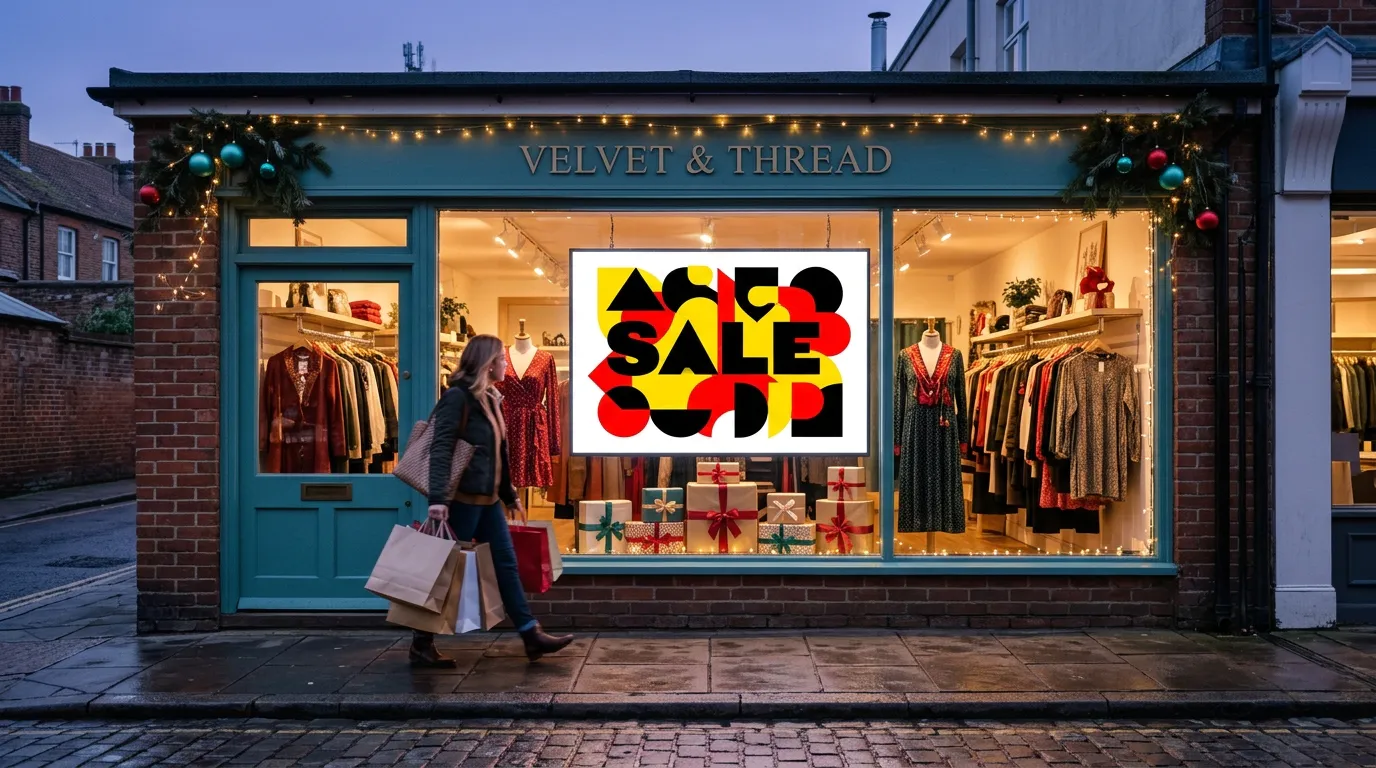
4. Use Your Front Window
Your window is your best holiday sale display. Shoppers walking past should be able to read your main offer in two or three seconds.
Use large text, a bold price, and one bright product photo. If your window gets direct sun, check that the screen is still readable at midday. Our guide to commercial TVs vs. regular TVs explains when brightness matters.
5. Show Doorbuster Deals by Time
Many stores run early-morning doorbusters. Schedule your screens to show "Doorbusters until 10 AM" in the morning, then switch to your all-day deals afterward.
6. Highlight Limited Stock
"Only 20 available" or "While supplies last" gives shoppers a reason to buy now. If an item sells out, update the screen in a minute so customers aren't disappointed.
7. Promote Bundles and Gift Sets
Bundles are perfect for the start of holiday shopping. Show ready-made gift sets, "buy 2, get 1 free" offers, or a product paired with an accessory.
8. Push Gift Cards
Gift cards are easy holiday gifts and bring customers back later. A checkout screen can show "Buy a $50 gift card, get a $10 bonus card" or a similar offer.
9. Use Checkout Screens for Add-Ons
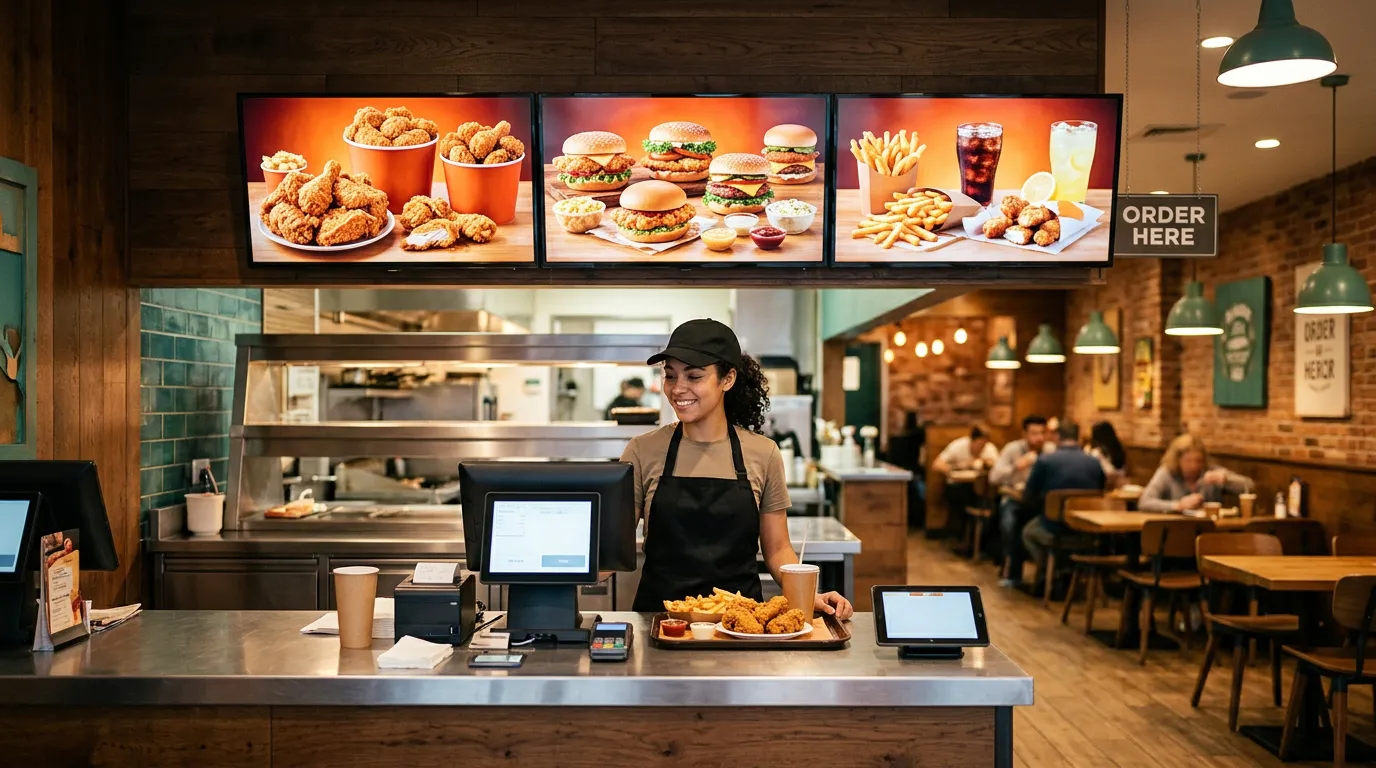
Customers waiting to pay are a captive audience. Use in-store promotion screens at the register for small add-ons: stocking stuffers, batteries, wrapping paper, or a treat for the road.
10. Show How to Find the Deals
Busy stores get confusing. A screen near the entrance can tell shoppers where to go: "Doorbusters in the back," "Gift sets at the front counter," or "Sale racks on the left."
11. Mention Your Holiday Hours
Many businesses open early or close late during Black Friday weekend. Show your special hours on screen in the days before, so customers know when to come.
12. Keep the Weekend Going
Black Friday doesn't have to end on Friday. Schedule new content for Small Business Saturday and Cyber Monday so your screens keep working all weekend.
For a local shop, Small Business Saturday can be even more valuable than Black Friday. A "Shop local this Saturday" message reminds customers why they should support you.
Black Friday Ideas by Business Type
Black Friday isn't just for retail stores. Here are ideas for other small businesses.
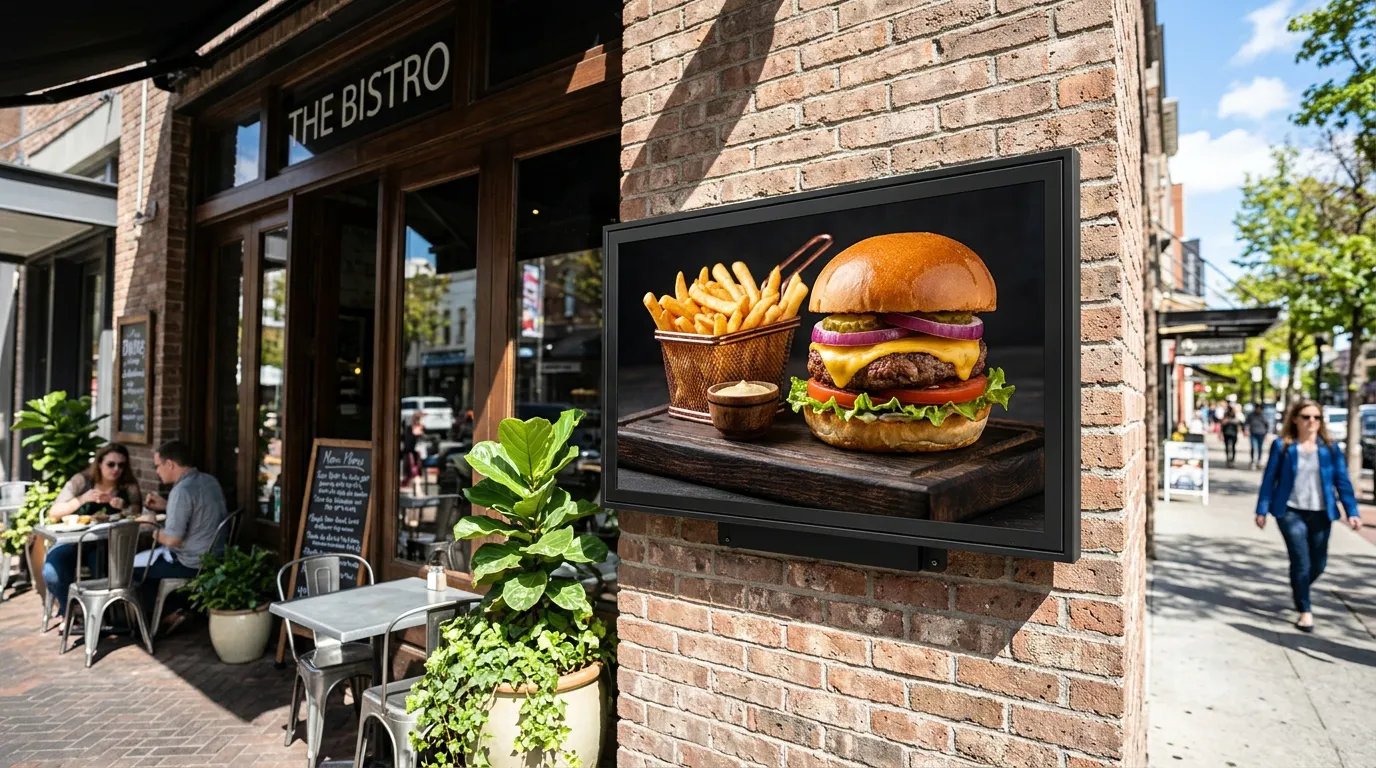
Restaurants and cafés: promote holiday catering, gift cards, and meal deals for tired shoppers.
Salons and barbershops: sell gift cards, service packages, and holiday booking reminders.
Gyms: run a Black Friday membership offer or discounted class packs.
Bakeries: take pre-orders for holiday pies, cakes, and cookie boxes.
Convenience stores: promote coffee, snacks, and drinks for early-morning shoppers.
Retail stores: feature doorbusters, bundles, and gift sets.
If you sell food, our guide to digital menus for bakeries covers holiday pre-orders and catering in more detail.
Design Tips for Black Friday Screens
One offer per slide. Don't crowd every deal onto one screen.
Big numbers. "50% OFF" or "$19.99" should be the largest thing on the screen.
Short text. Aim for fewer than 10 words per slide.
High contrast. Black and white, black and yellow, or white on red are easy to read. Our guide to the best colors for digital signage explains what works.
Real product photos. Show what shoppers will actually find in your store.
Short loops. Keep each slide on screen for 6 to 10 seconds so passersby see it.
Schedule Everything Before the Rush
The best thing you can do is set up your Black Friday content in advance.
Here's a simple plan:
One to two weeks before: "Black Friday deals coming soon" with the date
The three days before: countdown messages
Black Friday morning: doorbuster deals
Black Friday afternoon and evening: all-day deals and gift sets
Saturday: Small Business Saturday message
Monday: Cyber Monday or last-chance offers
After the weekend: regular holiday content
With scheduling and end dates, each message appears on time and disappears when it should. Nobody has to remember to change the screens while the store is packed.
Our guide on how to promote daily specials with digital screens covers more scheduling tips, and our small business marketing ideas for November has more ideas for the rest of the month.
Common Black Friday Signage Mistakes
Too much text. Shoppers won't stop to read a paragraph.
Deals that have ended. An expired offer frustrates customers. Set end dates.
Sold-out items still on screen. Update the screen as soon as something sells out.
Hard-to-read colors. Red text on green may look festive but is hard to read.
Screens only in the back. Put your best deal where people walking past can see it.
Starting too late. Announce your sale before the day, not on it.
How Billiie Helps
With Billiie Digital Signage, you can:
Upload your own images and videos
Schedule content by time and date
Set end dates so sale content disappears automatically
Show different content on each screen
Use full-screen or split-screen layouts
Manage every screen from one dashboard
Billiie works with Fire TV and Android TV devices, so you can turn a regular TV into a sale display with a low-cost streaming stick.
Get Your Screens Ready Now
Black Friday is only a few weeks away. Pick your best offers, design a few simple slides, and schedule them now so your screens are ready before the rush starts.
For more on where to put screens, see our guide on where to place digital signage in retail stores.
With Billiie, your first screen is free, forever, and each additional screen is $1 per month. Create your Billiie account and get your Black Friday screens ready today.
Ready to bring Billiie to your business?
Manage your screens, content, and locations from one simple dashboard.
No commercial signage hardware neededPowered by Billiie