What Is a Digital Menu? A Simple Guide for Small Businesses
If you run a restaurant, deli, café, or any business that sells food or products, you've probably heard the term "digital menu."
But it can mean different things.
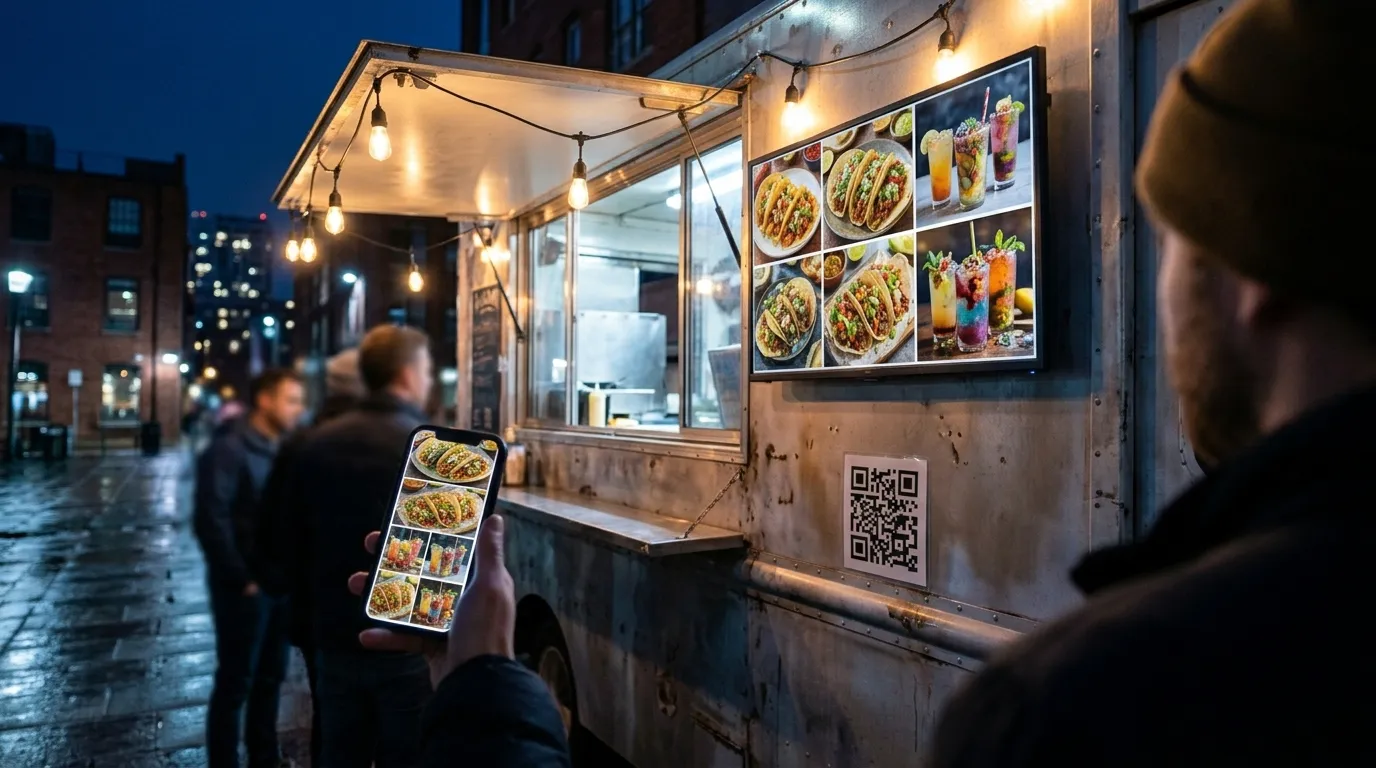
For some businesses, a digital menu is a TV behind the counter showing prices. For others, it's a QR code on the table that opens a menu on the customer's phone. For some, it's both.
So what is a digital menu, exactly, and which kind does your business need?
This guide explains the main types of digital menus, how they work, what they cost to run, and how to choose the right one for a small business.
What Is a Digital Menu?
A digital menu is any menu shown on a screen instead of printed on paper.
That screen might be:
A TV mounted in your business, showing your menu to everyone in the room.
A customer's own phone, after they scan a QR code.
A tablet or kiosk that customers use to browse or order.
The common thread is that the menu lives digitally. You can change prices, add items, or remove something that's sold out without printing anything new.
That's the biggest difference from a printed menu. A paper menu is fixed the moment it's printed. A digital menu for restaurants and other businesses can change as often as you need it to.
The Main Types of Digital Menus
Most small businesses use one of three types, or a combination.
1. Digital Menu Boards
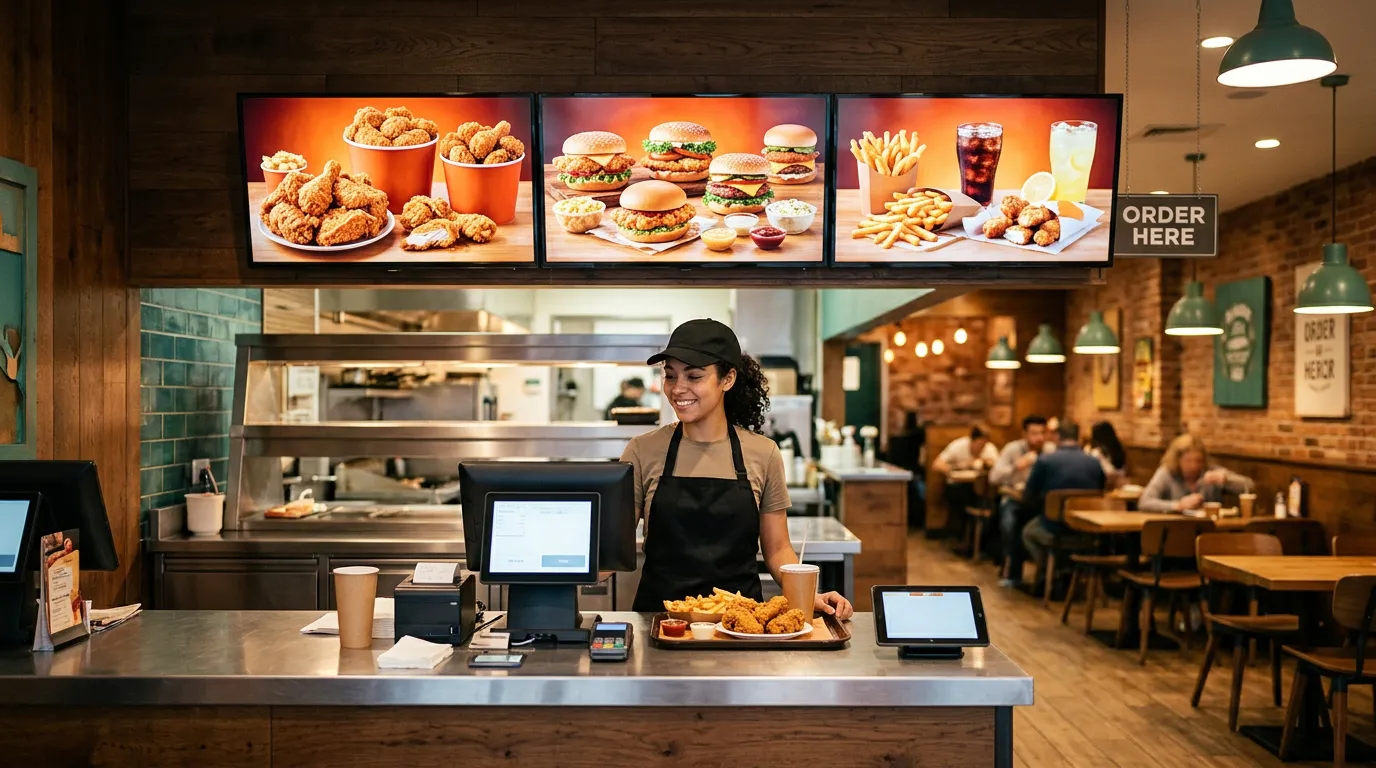
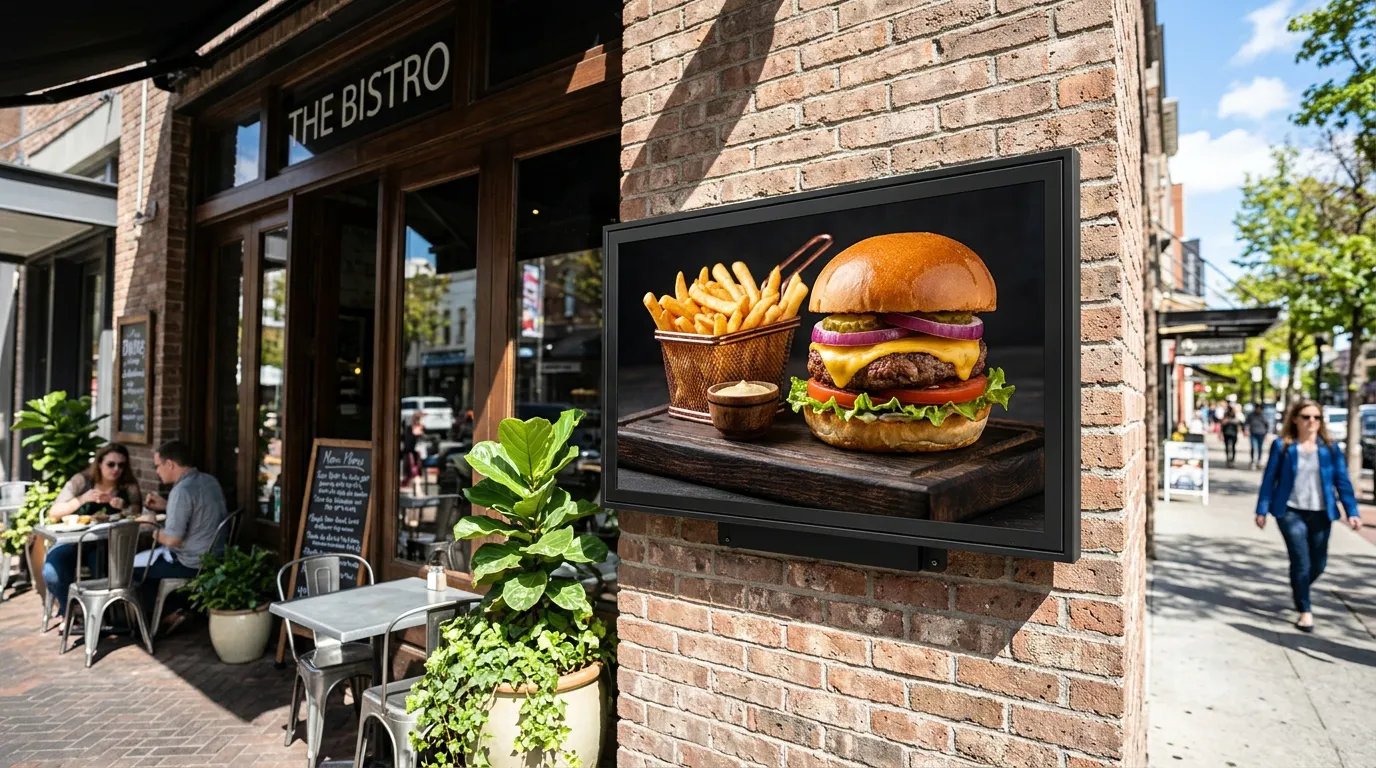
A digital menu board is a TV or display that shows your menu inside your business.
It replaces the printed board behind the counter. Customers read it from across the room while they wait in line or decide what to order.
Menu boards are great for:
Showing your full menu and prices at a glance
Highlighting specials and new items
Displaying food photos
Switching between breakfast, lunch, and dinner menus
You create the menu design, upload it, and choose which screen shows it. With Billiie Digital Signage, you can schedule content by time of day and set an end date for a limited-time special, so it disappears automatically when the offer ends.
If you already have a TV, our guide to turning a smart TV into a digital menu board walks through the setup.
2. QR Code Menus With Ordering
A QR menu opens on the customer's phone when they scan a code.
The simplest version just shows the menu. A more useful version lets customers order directly from their phone.
That's what Billiie Digital Menu Ordering does. Customers scan your QR code, browse your menu, customize their order with toppings, options, and extras, and submit it, all from their phone's web browser. There's no app to download.
Your staff hears a sound alert when a new order comes in. Each order gets its own order number, and you can mark an order ready and notify the customer when it's time to pick up.
QR ordering is especially helpful for:
Delis and sandwich shops with detailed orders
Coffee shops with lots of drink options
Bakeries that take catering orders
Busy counters where the phone keeps ringing
3. Digital Product Catalogs
Some businesses don't need ordering. They just need customers to see what's available.
A shop with hundreds of products, for example, can't fit everything on a shelf label or a printed list. A Digital QR Catalog lets customers scan a code and browse your full product selection on their phone, with search to help them find what they need. You can mark items sold out instead of deleting them, and add or edit products anytime without reprinting.
Digital Menu Board vs. QR Menu: What's the Difference?
This is the question most business owners ask first.
The short answer: a digital menu board is for everyone in the room, while a QR menu is for one customer at a time.
Where it appears: A menu board is on a TV in your business. A QR menu is on the customer's phone.
Who sees it: A menu board is seen by everyone at once. A QR menu is seen by the person who scanned it.
Best for: A menu board is best for quick decisions, specials, and visual appeal. A QR menu is best for detailed browsing, customizing, and ordering.
Can customers order from it? Not from a menu board. With QR ordering, yes.
They work best together. A customer reads your menu board from the line, scans a QR code on the counter, and places their order from their phone. Our guide on where to put QR code menus covers the best spots to place those codes.
Benefits of a Digital Menu
Update Prices Without Reprinting
Food costs change. With a digital menu, you update the price and it's done. No new printed boards, no stickers covering old prices.
Remove Sold-Out Items Quickly
When you run out of something, customers shouldn't be able to order it. Digital menus let you take it off or mark it unavailable right away.
Promote Specials at the Right Time
A menu board can show a breakfast special in the morning and a lunch combo at noon. A QR menu can feature a new item at the top. Paper can't do either.
Fewer Order Mistakes
When customers choose their own toppings and extras on their phone, there's less chance of an order being misheard over a noisy counter.
Less Time on the Phone
Every order placed through a QR menu is one less phone call your staff has to stop and answer.
Who Uses Digital Menus?
Digital menus aren't only for large restaurant chains. Small, independent businesses use them every day:
Delis and sandwich shops
Pizza shops
Coffee shops and cafés
Bakeries
Food trucks
Bars and breweries
Convenience stores with food counters
Dispensaries with large product menus
If you serve food, see our guide to digital signage for restaurants for more ideas.
How Much Does a Digital Menu Cost?
It depends on which type you choose.
Digital menu boards: With Billiie Digital Signage, your first screen is free, forever. Each additional screen is $1 per month. You'll also need a compatible TV and streaming device if you don't already have one.
QR code ordering: Billiie Digital Menu Ordering is $20 per month.
Design: You can create your menu designs yourself with a tool like Canva, or hire a designer. Billiie displays your finished images and videos; it doesn't design them for you.
Compared with reprinting menu boards every time a price changes, many small businesses find digital menus pay for themselves quickly.
How to Choose the Right Digital Menu
Ask yourself three questions.
Do customers need to see your menu from across the room? Start with a digital menu board.
Do you want customers to order without calling or waiting in line? Add QR code ordering.
Do you mainly need customers to browse a large product selection? A digital QR catalog may be the better fit.
Many businesses start with one, then add the other once they see how customers use it.
Getting Started
A digital menu doesn't have to be complicated or expensive.
Start with the problem you want to solve. If your printed menu is always out of date, a menu board fixes that. If your phone never stops ringing at lunch, QR ordering helps. If customers can't find what you sell, a digital catalog makes it easy.
Create your Billiie account and set up your first digital menu today. Your first screen is free.

Ready to bring Billiie to your business?
Manage your screens, content, and locations from one simple dashboard.
No commercial signage hardware neededPowered by Billiie