Where to Put QR Code Menus: 12 Best Places in Your Business
A QR code menu only works if customers see it at the right moment.
Put it in the wrong spot and it becomes another sticker nobody notices. Put it where people are already deciding what to order, and it can save your staff time, cut down on phone calls, and make ordering easier for everyone.
So where should you put QR code menus?
The short answer: wherever customers pause, wait, or make a decision. The longer answer depends on how your business works, whether that's a deli with a busy lunch line, a bakery with a full display case, or a coffee shop with a crowded pickup counter.
This guide covers the 12 best places for QR code menu placement, how to make sure people actually scan them, and why many businesses use a different QR code for each area.
Why QR Code Menu Placement Matters
A QR code is a shortcut. It takes a customer from "I'm interested" to "I'm looking at the menu" in a few seconds.
But a shortcut is only useful if it's in front of the person who needs it.
A code on the back wall of a dining room won't help a customer standing in line at the register. A code taped to the door won't help someone who's already seated and ready to order.
Good placement follows the customer's path through your business:
Where do they first stop?
Where do they wait?
Where do they decide what to order?
Where do they pick up their food?
Answer those four questions and you'll have a good idea where your QR codes belong.
1. On Every Table
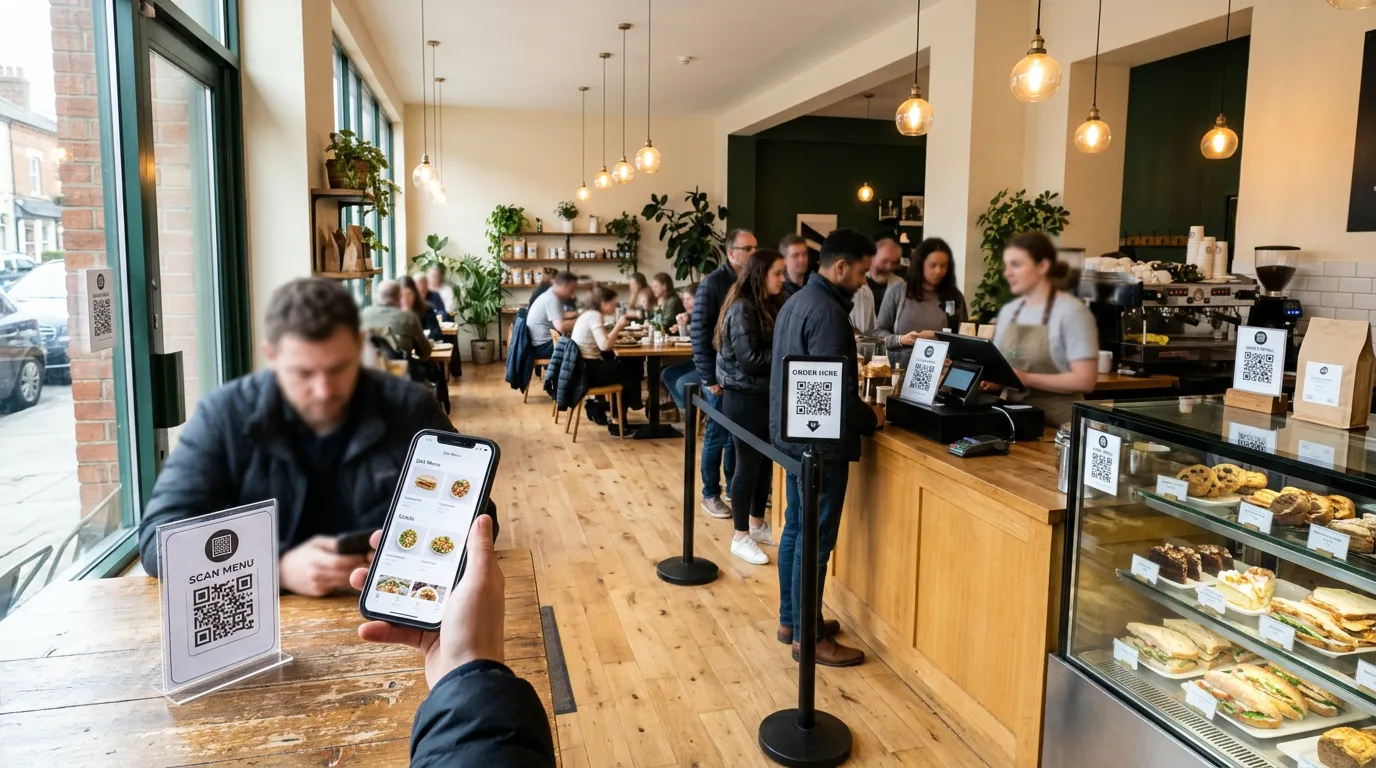
For sit-down restaurants and cafés, tables are the most obvious place for a restaurant QR code menu.
Customers are seated, relaxed, and looking for something to read. A small table tent, sticker, or acrylic stand gives them the menu without waiting for a server or a printed copy.
Keep the code at eye level when someone is seated. A flat sticker in the middle of the table can be covered by plates, napkins, and phones within minutes.
2. At the Front Counter or Register
The counter is where many orders are actually decided.
A clearly labeled QR menu stand next to the register lets customers browse while they wait their turn. That can shorten the time each person spends at the front, because many will already know what they want by the time they reach the cashier.
For counter-service businesses, this is often the single most important spot.
3. At the Entrance or in the Front Window
A QR code near the entrance or in the window helps two groups of people.
The first is customers walking in who want to see the menu before they reach the counter. The second is people walking past who want to check your prices or options before deciding to come inside.
Use a larger code here, and add a short line such as "Scan to see our menu" so passersby know what they'll get.
4. Along the Line
If your business has a lunch rush, the line is valuable space.
People waiting in line have time and nothing to do. A QR code on a stand, on the wall beside the line, or on a floor-standing sign gives them something useful: a chance to look through the menu and place an order instead of waiting to speak with someone.
This is one of the most effective places for QR code ordering at delis, sandwich shops, and fast-casual restaurants.
5. At the Pickup Area
The pickup counter is where regulars come back again and again.
A QR code here makes the next order easier. Someone collecting a sandwich today can scan the code to order tomorrow's lunch ahead of time.
With Billiie Digital Menu Ordering, you can mark an order ready and notify the customer when it's time to pick up, so they aren't standing around guessing whether their food is done.
6. On Your Digital Menu Board
If you already use a TV as a menu board, add a QR code to the design.
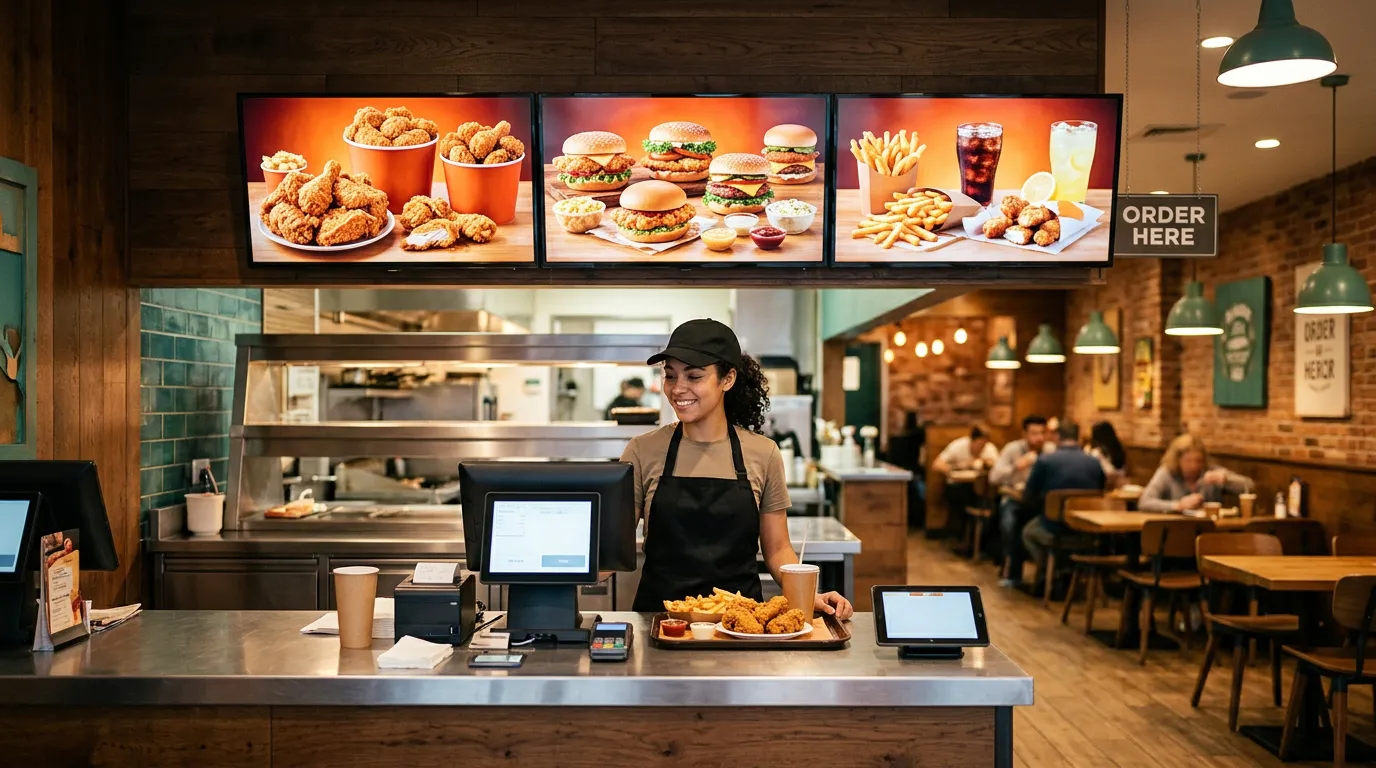
Customers can read the menu from across the room, then scan the code to order from their phone. It's a simple way to connect your digital signage to your ordering, and it works especially well for restaurant menu boards.
Make the code large enough to scan from where people stand, usually in a corner of the screen where it doesn't cover menu items. If you're still setting up your screens, our guide to turning a smart TV into a digital menu board walks through the basics, and Billiie Digital Signage lets you start with one screen for free.
7. At the Deli Counter
Deli counters often have the most complicated orders: bread choices, meats, cheeses, toppings, and extras.
That's exactly why a QR code works well here. Customers can build their order on their phone, with every topping and extra listed, instead of shouting it over the counter during a busy lunch.
Digital Menu Ordering lets you create menu items with toppings, options, extras, and add-ons, so a customized sandwich arrives at the counter exactly as the customer chose it.
8. Beside the Bakery Case
Bakery customers like to look before they order.
Place a QR code on or beside the display case so people can see the full list of cakes, pastries, and breads, including items that aren't currently on display. It's also a natural place to promote catering and larger orders.
9. At the Coffee or Drink Station
Coffee orders can be just as detailed as sandwich orders: size, milk, flavor shots, extra espresso.
A QR code at the coffee counter or self-serve drink area lets customers place drink orders without holding up the line. It also gives you a separate, focused menu for drinks if you don't want them mixed in with food.
10. In the Waiting or Seating Area
Customers waiting for a takeout order, or sitting in a lounge area, may decide to add a drink or dessert.
A QR code on a small stand or on the wall in a waiting area gives them an easy way to order more without getting back in line.
11. On Takeout Bags, Receipts and Flyers
Not every QR code needs to be inside your business.
A small code printed on takeout bags, receipts, or flyers goes home with the customer. The next time they're hungry, your menu is one scan away.
This is a low-cost way to turn one visit into a repeat order.
12. At a Catering or Special Orders Station
If you take catering or large orders, give them their own QR code.
Catering customers usually need a different menu, with platters, trays, and larger quantities, than someone ordering a single lunch. A dedicated code keeps those orders separate and easier for your team to manage.
Use a Different QR Code for Each Area
Here's a detail many businesses miss: you don't have to use one QR code everywhere.
A deli might want one code for the sandwich counter, another for the bakery case, and another for catering. A coffee shop might want one for drinks and another for food.
Billiie Digital Menu Ordering lets you create multiple QR codes for different areas of your business, and send orders to the area of your choice, such as your kitchen, deli counter, bakery, coffee area, or pickup counter.
That way, a drink order goes to the coffee station, a sandwich order goes to the deli, and nothing gets lost along the way.
How to Make QR Code Menu Signs People Actually Scan
Placement gets your code seen. These tips get it scanned.
Tell People What They'll Get
A code on its own doesn't explain anything. Add a short call to action:
Scan to order · Scan for our menu · Skip the line — order here
Make It Big Enough
A common rule of thumb is about 1 inch (2.5 cm) of code width for every 10 inches (25 cm) of scanning distance. A code on a table can be small. A code on a wall or menu board needs to be much larger.
Use Strong Contrast
Dark codes on light backgrounds scan most reliably. Avoid light gray codes, busy photo backgrounds, or colors that blend together. Our guide to the best colors for digital signage covers contrast in more detail.
Keep It Clean and Flat
Wrinkled stickers, reflections from glossy laminate, and worn edges can stop a phone from reading the code. Replace damaged signs, and check them regularly.
Test Every Code
Before printing a batch of signs, scan each code with a few different phones, from the distance customers will actually be standing.
Common QR Code Menu Mistakes to Avoid
Placing codes too high or too low. If customers have to crouch or stretch, many won't bother.
Using one code for everything. Separate codes for separate areas keep orders organized.
Hiding the code behind other signs. Keep the area around it clear.
Linking to a PDF. A menu that's hard to read on a phone defeats the purpose. Customers should be able to browse, customize, and order directly.
Forgetting to update the menu. A QR code is only as good as the menu behind it.
Do Customers Need an App?
No. With Digital Menu Ordering, customers scan the QR code and order directly from their phone's web browser. There's nothing to download, which removes one of the biggest reasons people give up before ordering.
Each order gets its own order number, and a sound alert lets your staff know when a new order comes in.
Start With Your Busiest Spot
You don't need QR codes in all 12 places on day one.
Start with the spot where customers wait the longest or ask the most questions, usually the counter, the line, or the pickup area. Watch how customers use it, then add codes to other areas as you see what works.
Billiie Digital Menu Ordering gives you QR code ordering, multiple QR codes for different areas, toppings and extras, order numbers, and ready-for-pickup notifications for $20 per month. If you also want a menu board on your TV, Billiie Digital Signage starts with your first screen free.
Create your Billiie account and put your menu where your customers can find it.

Ready to bring Billiie to your business?
Manage your screens, content, and locations from one simple dashboard.
No commercial signage hardware neededPowered by Billiie