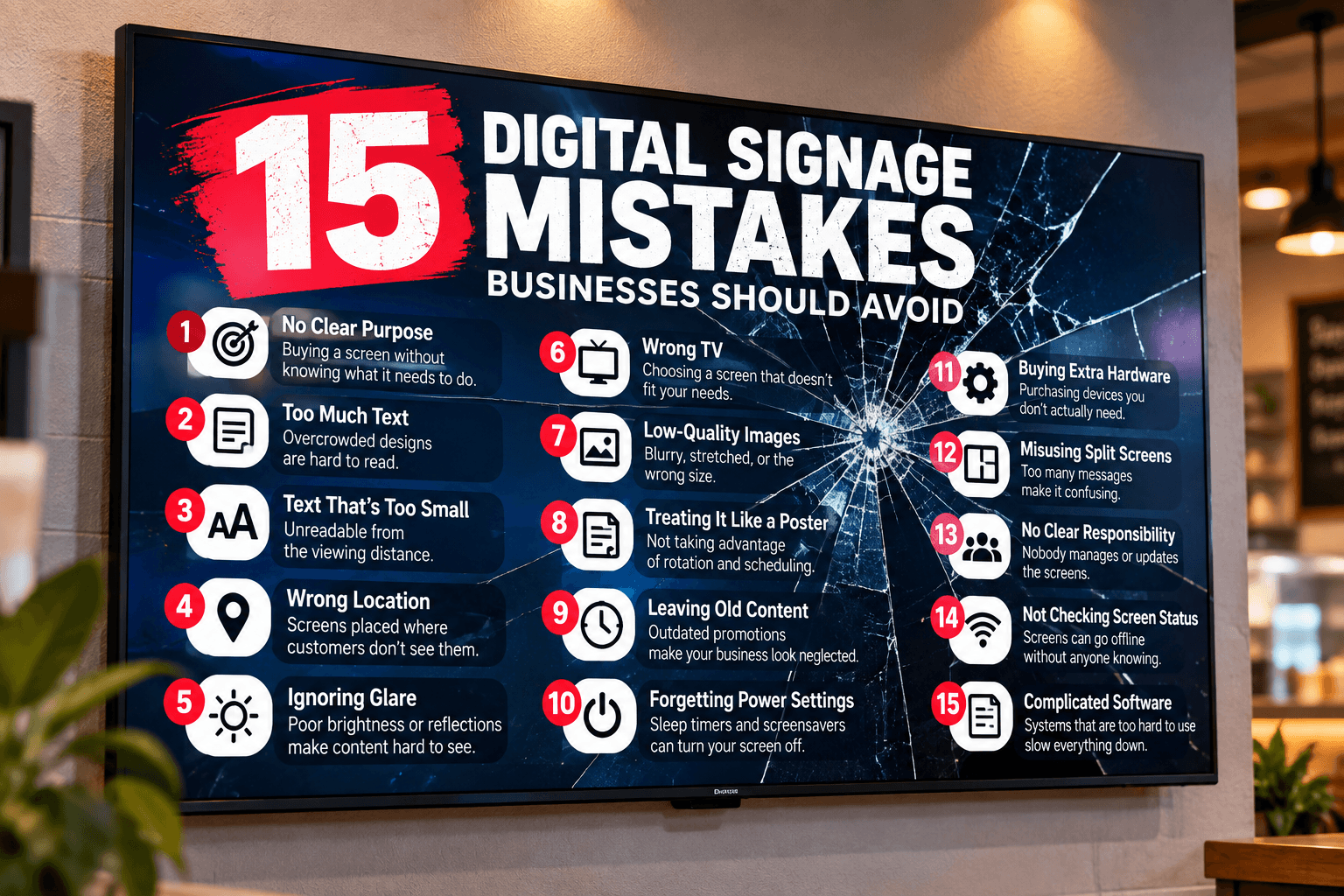
Digital Signage Mistakes: 15 Mistakes Businesses Should Avoid
Digital signage can look deceptively simple.
Buy a television, mount it on the wall, upload a few promotions, and you're finished.
Technically, you may have digital signage. But that doesn't necessarily mean you have effective digital signage.
Some of the most common digital signage mistakes have nothing to do with whether the screen actually works. The television can be powered on, the internet connection can be stable, and the content can be playing exactly as intended—and customers can still completely ignore it.
Why?
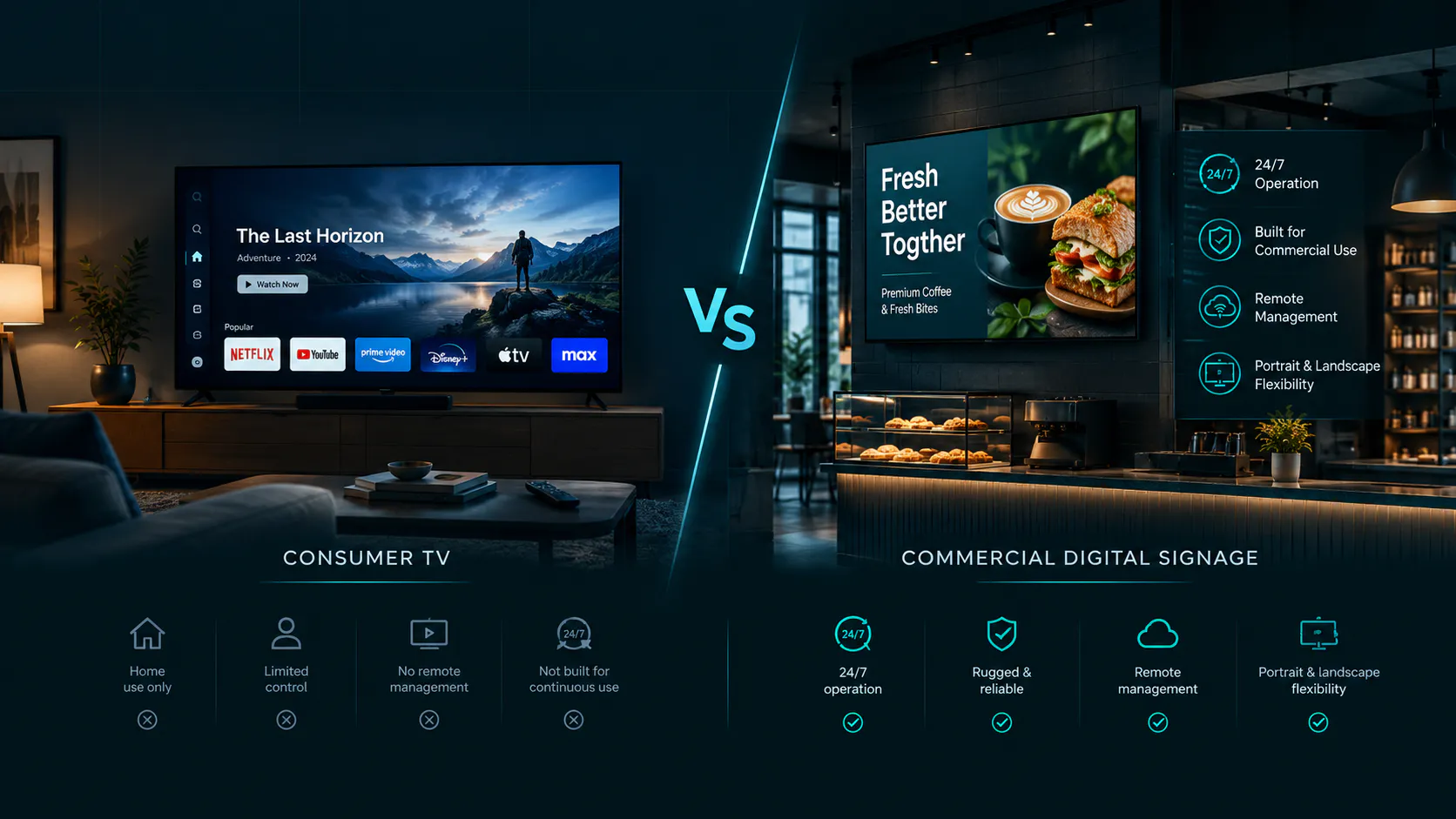
Because effective signage sits at the intersection of hardware, placement, content, timing, and management.
A beautifully designed promotion won't accomplish much if customers can't read it from where they're standing. An expensive commercial display won't solve a six-month-old promotion. Five screens don't help if nobody knows which employee is responsible for keeping them updated.
The good news is that most problems are preventable.
Whether you're setting up a digital menu board in a restaurant, promotional screens in a retail store, informational displays in a waiting room, or managing screens across several business locations, these 15 common digital signage mistakes are worth understanding before they become expensive habits.
1. Buying a Screen Before Deciding What It Needs to Do
One of the easiest mistakes happens before the TV is even removed from the box.
A business decides it wants "digital signage," buys a television, and only afterward asks:
What should we actually put on it?
Reverse that process.
First determine the purpose of the screen.
Is it going to display:
A restaurant menu?
Daily specials?
Product promotions?
Office information?
Advertisements?
Patient education?
QR codes?
Wayfinding?
Employee announcements?
A combination of several types of content?
The answer influences the screen size, orientation, placement, brightness, and even whether a consumer television is appropriate.
A restaurant menu mounted behind a counter has very different requirements from a promotional screen facing a sunny storefront window.
Before purchasing hardware, define the job.
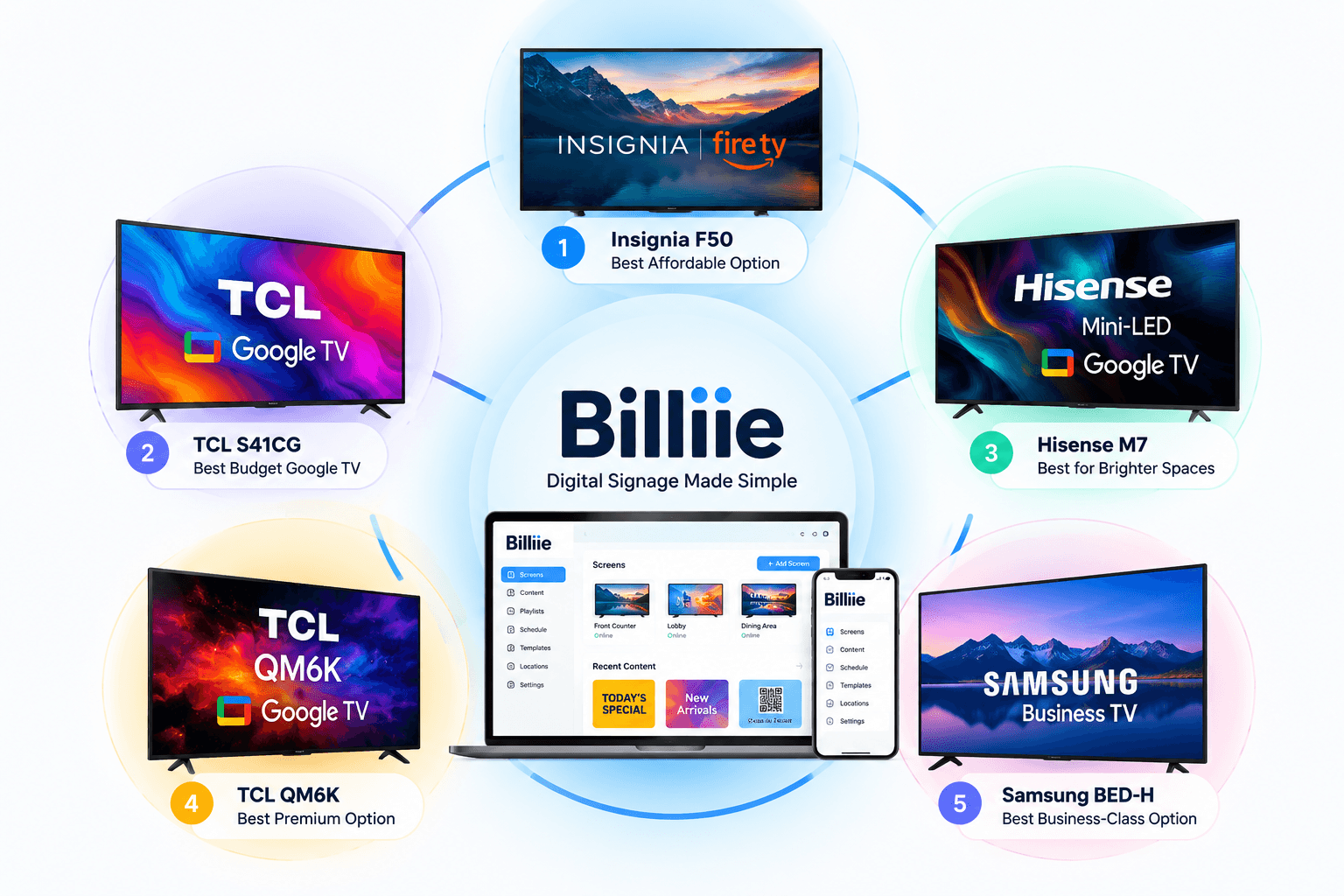
If you're currently choosing hardware, our guide to the best TVs for digital signage in 2026 explains what to consider when comparing consumer televisions and business displays.
Good digital signage planning begins with the purpose of the screen—not the television.
2. Putting Too Much Text on the Screen
This may be the most common digital signage content mistake.
Someone designs a beautiful flyer on a computer. It contains a headline, paragraph, product description, phone number, website, social handles, disclaimer, address, QR code, and three calls to action.
Then the flyer gets placed on a television 15 feet away.
Suddenly, nobody can read it.
Digital signage isn't a webpage.
People usually encounter screens while walking, ordering, shopping, waiting, or doing something else. They aren't necessarily standing in front of your TV prepared to read a paragraph.
Design for a Glance, Not a Reading Session
Your main message should be understandable quickly.
Instead of:
"Take advantage of our limited-time lunch promotion available Monday through Friday between 11:00 AM and 3:00 PM."
Consider:
LUNCH SPECIAL
MON–FRI
11 AM–3 PM
The screen communicates the same essential information much faster.
One of the most important digital signage best practices is learning what to remove.
If additional information is necessary, use another slide or give customers a QR code that allows them to continue on their phones.
3. Using Text That's Too Small
Even a short message fails when customers can't read it.
Designers frequently build digital signage content while sitting directly in front of a laptop.
From two feet away, everything looks perfect.
That's not how customers will see it.
A restaurant menu may be mounted high behind a counter. A waiting-room TV could be across the room. A retail display might need to catch someone walking down an aisle.
Test From the Actual Viewing Distance
Before approving a design, put it on the real television.
Then walk to where customers will actually stand.
Can you read the headline?
Can you read the price?
Can you understand the promotion?
Can you scan the QR code?
Don't evaluate digital signage design exclusively on a laptop.
Evaluate it from the customer's position.
Large typography, strong visual hierarchy, good spacing, and high contrast will usually outperform a design that tries to squeeze every available detail onto the screen.
4. Mounting the Screen in the Wrong Location
A great screen in a bad location is still a bad installation.
Businesses sometimes choose screen placement based on where installation is easiest rather than where the screen will actually be seen.
A TV may end up:
Too high
Too low
Behind an obstruction
Facing away from customer traffic
Directly opposite a bright window
In an area customers pass too quickly
Somewhere employees can see but customers rarely look
Placement should be part of your digital signage strategy, not an afterthought.
Follow the Customer's Eyes
Walk through the business as if you've never been there before.
Where do customers naturally look?
Where do they stop?
Where do they wait?
Where do they make purchasing decisions?
In a deli, that might be above the ordering counter.
In a retail store, it could be near checkout or a high-traffic product area.
In a medical office, the natural location may be directly across from waiting-room seating.
In a gas station convenience store, screens could work above coolers, near checkout, or around promotional areas.
The screen should meet the customer where their attention already goes.
5. Ignoring Glare and Brightness
A screen can look fantastic at 8:00 in the morning and become almost unreadable at 2:00 in the afternoon.
The reason may have nothing to do with your content.
Sunlight changes.
A standard indoor television facing a bright window can become difficult to see because of glare and reflections.
That's why digital signage screen brightness should be considered before installation.
Walk through the location at different times of day.
Look at where sunlight enters.
Consider overhead lighting.
If the location is extremely bright or exposed to direct sunlight, a brighter business or commercial display may be more appropriate than an inexpensive consumer television.
Don't try to solve a hardware problem by repeatedly redesigning your graphics.
6. Choosing the Wrong TV for the Job
Not every business needs a commercial display.
But not every business should automatically buy the cheapest consumer television either.
A restaurant running screens for normal business hours may have very different requirements from a location operating displays 16 or 24 hours per day.
Ask:
How many hours will the screen operate?
Is it indoors?
How bright is the environment?
How far away are viewers?
Will it display mostly static images or video?
Is the screen mission-critical?
A $200 smart TV can be an excellent value in the right environment.
A purpose-built business display may be the smarter investment somewhere else.
The goal isn't to buy the cheapest screen or the most expensive one.
The goal is to choose the right TV for digital signage based on how it will actually be used.
7. Treating a Digital Sign Like a Printed Poster
Printed signs and digital signs share some design principles, but they aren't the same medium.
Digital displays can rotate content.
That means you don't have to put every message on one screen.
Suppose a restaurant wants to promote:
Breakfast
Lunch
Catering
A new sandwich
A drink special
A QR code
Social media
Putting all seven messages into one design will probably produce a crowded screen.
Instead, create several pieces of content.
Give each message room.
A digital screen gives you time as well as space.
Use it.
This is one of the simplest digital signage design tips, yet it's frequently overlooked.
8. Using the Wrong Image Size or Screen Orientation
A beautiful landscape design doesn't automatically work on a portrait television.
If the proportions don't match, you may end up with:
Black bars
Cropped text
Stretched images
Empty space
Important information outside the visible area
For standard landscape televisions, 16:9 content is extremely common.
Full HD 1920×1080 remains a practical design size for many digital signage applications.
Portrait screens typically use the opposite orientation, such as 1080×1920.
The important part is consistency between the design and the display.
If your business uses both landscape and vertical screens, create content for each format rather than forcing one graphic to fit everything.
Proper digital signage image size makes the entire installation look more professional.
9. Leaving the Same Content on the Screen for Months
Customers notice change.
They also notice when nothing changes.
A screen promoting a special that ended three weeks ago makes the business look neglected.
Even evergreen content can eventually become invisible to regular customers if they see exactly the same design every day.
This is why digital signage content management matters.
Your content doesn't need to change every hour.
It needs to stay relevant.
Use Scheduling and End Dates
Temporary content should have an expiration plan.
If you're promoting:
A weekend special
Holiday hours
A seasonal product
A limited-time discount
An event
A temporary announcement
there should be a clear point when that content stops appearing.
Billiie allows businesses to schedule finished content and set end dates so temporary promotions don't need to remain on a screen indefinitely.
The business creates the finished image or video externally, uploads it to Billiie, and determines where and when it should display.
That is much better than relying on someone to remember three weeks later that the Valentine's Day promotion is still playing in March.
10. Forgetting About Sleep Timers and Screensavers
This problem catches many first-time digital signage for small business installations.
Consumer televisions are designed primarily for homes.
That means they may include:
Sleep timers
Screensavers
Energy-saving modes
Automatic power settings
"Still watching?" features
Automatic shutdown options
Those features can make sense in a living room.
They're less helpful when the TV is supposed to display a menu throughout the entire business day.
Imagine a restaurant owner assumes the menu is playing, only to discover that one of the televisions has been asleep for the last two hours.
Before deployment, review the television's settings.
If you're beginning with an existing television, our guide on how to turn a smart TV into a digital menu board walks through the broader setup process.
And don't assume that configuring one TV means every other model will behave exactly the same.
Test each screen.
11. Having No Clear Call to Action
A screen can look impressive and still accomplish nothing.
Suppose a beautiful photograph of a catering platter appears on a restaurant television.
Customers see it.
Then what?
Should they order it?
Ask about catering?
Scan something?
Visit a website?
A strong digital signage call to action tells viewers what to do next.
Examples include:
SCAN TO ORDER
ASK ABOUT CATERING
TRY IT TODAY
FOLLOW US
SCAN FOR THE FULL MENU
ORDER AT THE COUNTER
AVAILABLE THIS WEEK ONLY
The call to action doesn't need to be aggressive.
It needs to be clear.
If you're using a QR code, give the QR code context.
Don't simply place a mysterious square in the corner.
Tell people why they should scan it.
12. Trying to Show Too Many Things With Split Screens
Split-screen digital signage templates can be extremely useful.
One section might display a menu while another shows a promotion.
A waiting room could display educational content in three-quarters of the screen while using the remaining quarter for office information.
A retail business could show its main promotion while keeping a QR code or announcement visible.
But there's a limit.
If you divide one 43-inch television into six tiny sections, you've essentially created six miniature screens that customers may not be able to read.
Use Split Screens With a Hierarchy
Ask which message is most important.
Give that message the most space.
A 3/4 + 1/4 layout works because the viewer can immediately understand which area is primary.
A 50/50 split can work when two messages have similar importance.
Full screen remains the better choice when the content needs maximum visibility.
Billiie supports different screen templates, including full-screen, left/right split, 3/4 + 1/4, vertical top/bottom and full vertical layouts.
The template should support the content.
Don't force content into a template simply because the template exists.
13. Ignoring Who Is Responsible for Each Screen
This problem becomes more serious as a business grows.
One TV?
The owner probably knows what's on it.
Ten screens across four locations?
Now things become less obvious.
Who updates the screen at Location A?
Who checks whether Location B's TV is online?
Who removes outdated promotions?
Who uploads the new menu?
Who handles the waiting-room screen?
Without ownership, digital signage management becomes everyone's responsibility—which often means nobody's responsibility.
Assign Responsibility
Give each screen or group of screens a clear owner.
That might be:
A store manager
A marketing employee
A franchise manager
A location manager
An administrator
Billiie allows screens to be assigned to team members so a business can distribute screen management rather than requiring one person to manage every display.
For a multi-location business, that becomes increasingly valuable.
The owner can maintain visibility over the broader signage network while individual managers handle the screens relevant to their locations.
14. Assuming a Screen Is Working Without Checking It
A television hanging on a wall doesn't automatically mean your content is running.
Screens can go offline.
Wi-Fi can disconnect.
Someone can unplug a television.
An employee can turn it off.
A device can lose power.
And if you're managing screens remotely, you may not know something happened unless you check.
This is one of the most overlooked digital signage management mistakes.
Monitor Screen Status
Businesses with several displays should have a simple process for checking whether screens are active.
With Billiie, screen status can be viewed remotely.
If a screen goes offline, the dashboard can show it as inactive along with how long it has been offline.
That gives the business an opportunity to contact the location or responsible team member and get the display back online.
Once the screen reconnects, its status can return to active.
This becomes especially useful when the owner isn't physically at every location.
Remote management shouldn't only mean changing content.
It should also help you understand whether the screen is actually connected.
15. Making Digital Signage More Complicated Than It Needs to Be
This final mistake is bigger than it sounds.
Businesses sometimes turn a simple communication problem into a technology project.
They assume they need:
Expensive proprietary screens.
Complicated media servers.
Specialized hardware everywhere.
A designer standing by every time a price changes.
A complicated control room to manage several TVs.
For some enterprise installations, sophisticated infrastructure absolutely makes sense.
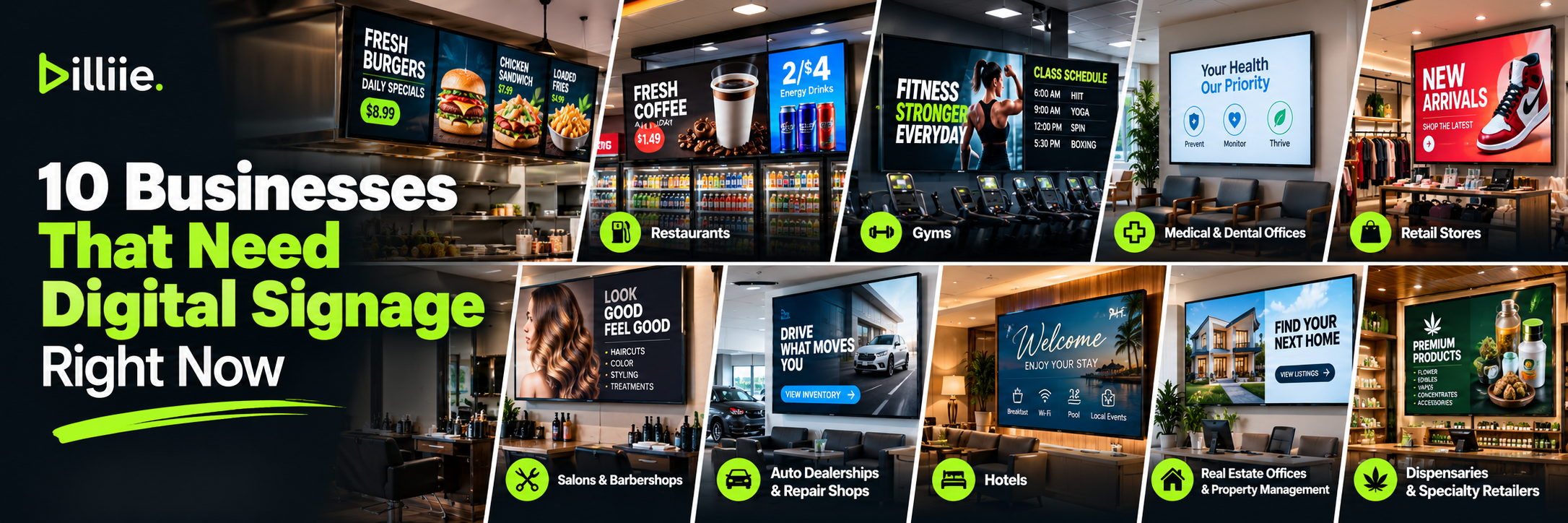
But a neighborhood restaurant, medical office, deli, convenience store, salon, retail shop, or small chain may have much simpler needs.
They may just need to:
Create a finished image.
Upload it.
Choose a screen.
Schedule it.
Display it.
Update it when necessary.
The best digital signage software for small business should reduce the amount of work required to operate the screens—not create another system employees are afraid to touch.
Simplicity becomes even more important as the number of screens grows.
If adding the tenth screen makes the system ten times harder to manage than the first screen, something is wrong.
Bonus Mistake: Designing for Yourself Instead of Your Customer
Business owners naturally know their products.
Customers don't.
That difference matters.
An abbreviation that makes perfect sense to employees might confuse customers.
A menu category everyone behind the counter understands may mean nothing to someone visiting for the first time.
A promotional graphic might look beautiful to the owner while failing to answer the customer's most basic question:
What's in it for me?
Before publishing digital signage content, look at it from the viewer's perspective.
What will they understand in three seconds?
What should they notice first?
Is the price obvious?
Is the offer obvious?
Is the next step obvious?
Effective signage is communication.
Design around the person receiving the message.
Digital Signage Best Practices: A Simple Pre-Launch Checklist
Before launching a new screen, walk through this checklist.
Hardware
Is the screen appropriate for the operating hours?
Is it bright enough for the environment?
Is the screen large enough for the viewing distance?
Is the mount secure and properly positioned?
Placement
Can customers actually see the screen?
Is glare a problem?
Is the television too high?
Is anything blocking it?
Content
Can the main message be understood quickly?
Is the text readable from the customer's position?
Does the design match the screen orientation?
Is there too much information?
Does the content have a purpose?
Timing
Does the viewer have enough time to understand each slide?
Does temporary content have an end date?
Is outdated content being removed?
Management
Who is responsible for the screen?
Can the screen be managed remotely?
Can you tell whether the display is online?
Does the appropriate team member have access?
A five-minute review before launch can prevent months of poor signage.
How Billiie Helps Keep Digital Signage Simple
Billiie was designed around a straightforward idea: businesses should be able to manage screens without turning digital signage into a complicated technical project.
Businesses create their finished images or videos using their preferred designer or design software.
Then they upload that finished content to Billiie.
From there, businesses can assign content to screens, create playlists, schedule content, set end dates, use different screen layouts, check screen status, manage screens remotely, and give team members responsibility for assigned displays.
Billiie does not function as an in-app image editor.
You remain in control of how your finished content is designed.
The platform handles getting that content onto the screens and helping you manage those screens afterward.
That distinction keeps the workflow simple:
Create → Upload → Assign → Display → Manage
Whether you're running one TV behind a counter or screens across several locations, the underlying process shouldn't need to become dramatically more complicated.
Final Thoughts: Avoiding Common Digital Signage Mistakes
Successful digital signage isn't about buying the biggest TV or creating the flashiest graphic.
It's about getting a useful message in front of the right person, in the right place, at the right time.
Most digital signage mistakes happen when one part of that equation is ignored.
The screen is too far away.
The text is too small.
The promotion is outdated.
The TV is facing sunlight.
The layout is overcrowded.
Nobody knows who's responsible for the screen.
The television went offline three days ago and nobody noticed.
Individually, these problems may seem small.
Together, they can turn an otherwise useful signage system into expensive decoration.
Start with the purpose of each screen.
Choose hardware that fits the environment.
Install it where customers can actually see it.
Keep your messages simple.
Design for the real viewing distance.
Schedule temporary content.
Give each screen an owner.
And check that your screens are actually running.
Do those things consistently and you will already avoid many of the problems that cause digital signage installations to underperform.
The technology should support the business.
Not complicate it.
Affordable. Digital. Simple.
Editorial Note: This article is for informational and educational purposes only. Digital signage requirements, hardware compatibility, screen settings, and performance can vary by device, business environment, and installation. Always review your equipment manufacturer's specifications and requirements before installation.
Ready to bring Billiie to your business?
Manage your screens, content, and locations from one simple dashboard.
No commercial signage hardware neededPowered by Billiie