Digital Signage for Convenience Stores: What to Show and Where
Convenience store customers are in a hurry. Most know what they came for, grab it, pay, and leave in a few minutes.
That short visit is exactly why signage matters. You have only a few seconds to tell customers about a deal, a new snack, or a hot food special before they're back out the door.
Paper posters fade, curl, and stay up long after a promotion ends. Convenience store digital signage lets you show the right offer at the right time, change it in minutes, and keep every message fresh.
This guide covers what to show, where to put your screens, and how to get started without a big budget.
Why Convenience Stores Need Digital Signage
Convenience stores sell a lot of impulse items: drinks, snacks, coffee, hot food, and grab-and-go meals. Most of those purchases are decided inside the store, often in the last few seconds.
Digital screens help you:
Promote high-margin items like coffee, fountain drinks, and hot food
Change offers by time of day, from breakfast to lunch to late-night snacks
Replace printed posters that cost money and take time to swap
Draw people in from the sidewalk or the gas pumps
Make the store look modern and well run
A moving image or a bright video catches the eye far better than a poster customers have walked past for months.
What to Show on Convenience Store Screens
The best content is short, clear, and easy to read at a glance. Here's what works.
Combo Deals
Combos are the easiest way to raise the average sale. A screen showing "Any sandwich + drink for $6.99" or "2 for $5 energy drinks" gives customers a simple reason to add one more item.
Hot Food and Coffee
Hot food and coffee have some of the best margins in a convenience store. Show fresh coffee in the morning, pizza slices and hot dogs at lunch, and snacks in the evening.
Appetizing photos sell. A good picture of a steaming coffee or a fresh breakfast sandwich does more than a list of prices.
Weekly Deals and Promotions
C-store promotions work best on screen because you can change them as often as you like. Use screens for the deals you'd normally print:
Weekly specials
Multi-buy offers like "2 for $4"
New products
Seasonal items, like holiday drinks or summer ice cream
Limited-time flavors
Our guide on how to promote daily specials with digital screens has more ideas for keeping offers fresh.
Store Services
Many customers don't know everything your store offers. Use a screen to remind them about:
ATM
Bill payment or money services
Phone top-ups and prepaid cards
Ice, propane, or car care products
Delivery or pickup, if you offer it
Store Information
Simple information is useful too: store hours, a "Now hiring" message, payment methods, or a reminder about your loyalty program.
Where to Put Screens in a Convenience Store
The right location matters as much as the content. Here are the best spots.
1. In the Front Window
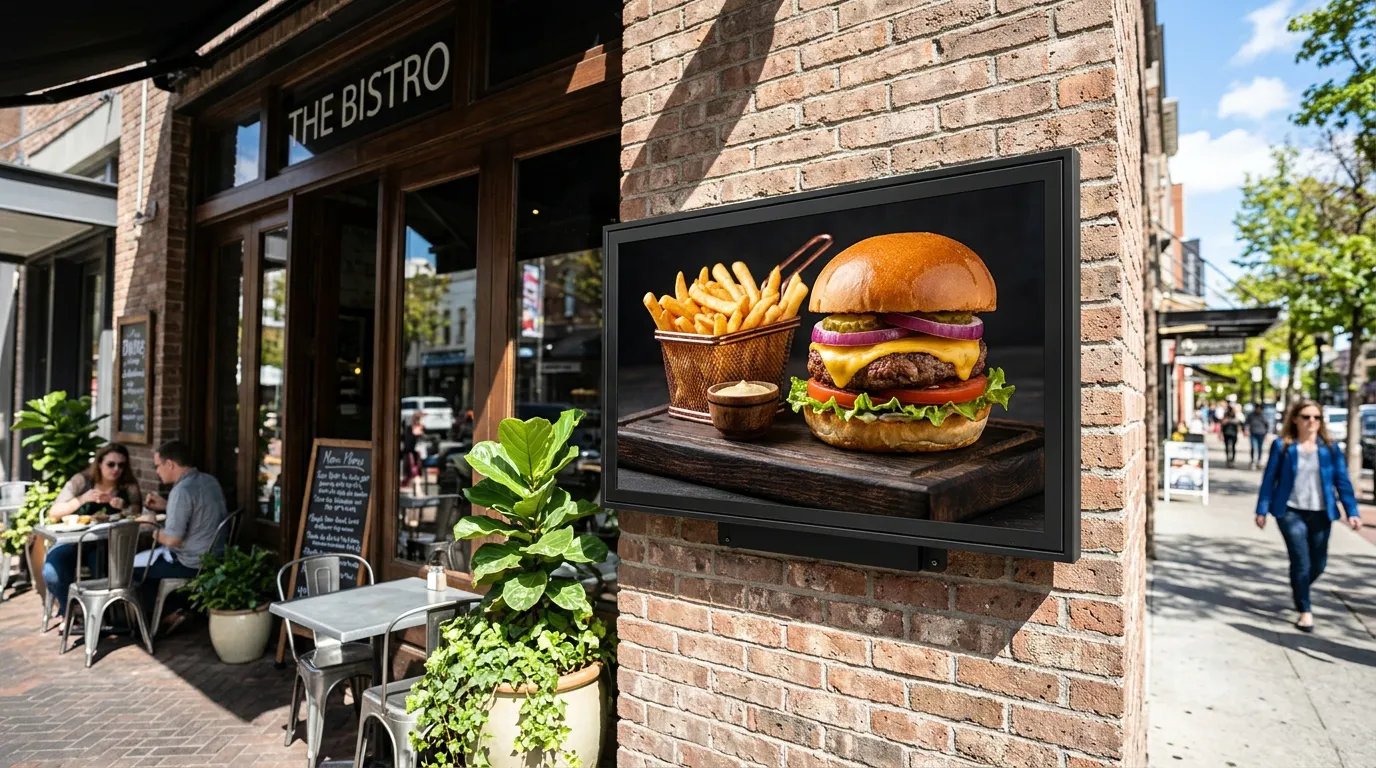
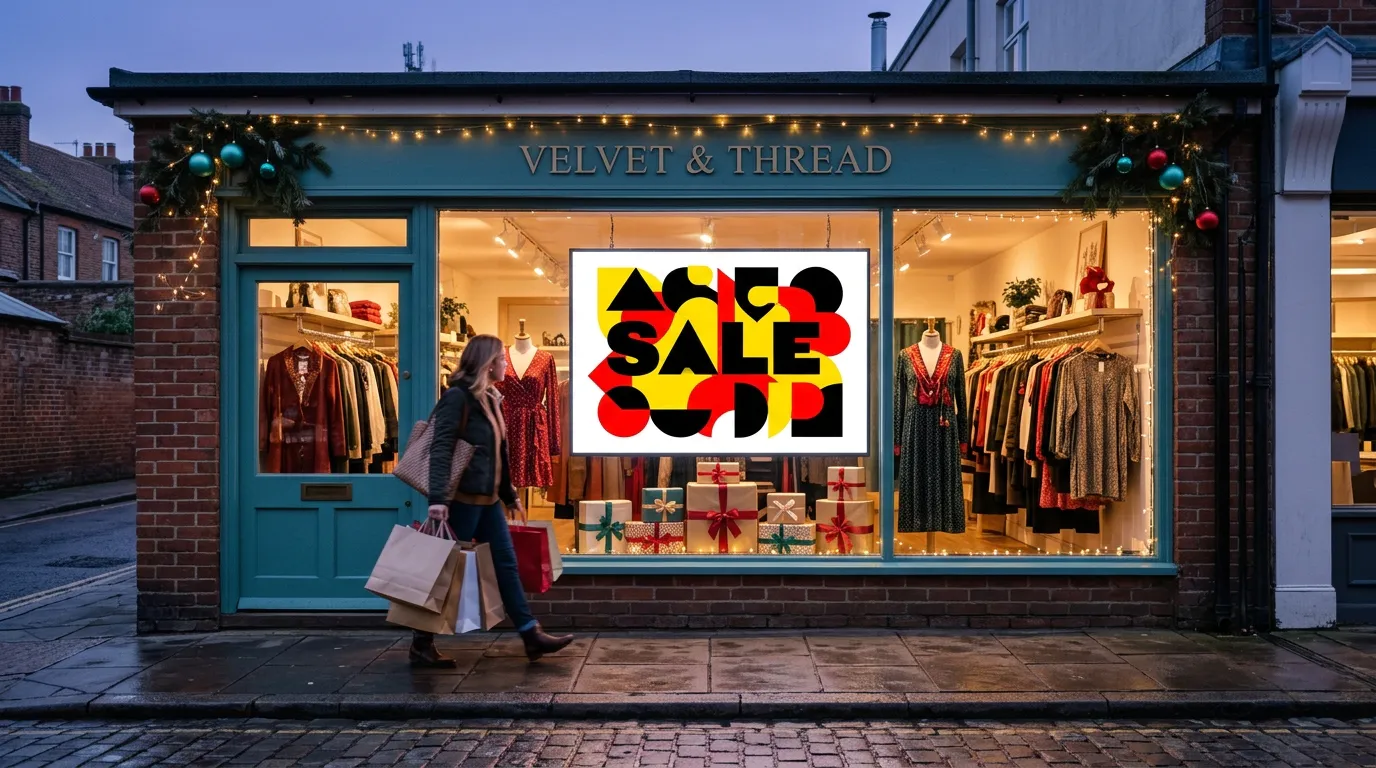
A window screen sells to people walking or driving past. Show one strong offer, like a coffee deal or a hot food combo, that can be read in a couple of seconds.
Bright sunlight can wash out a regular TV, so check the screen at different times of day. Our guide to commercial TVs vs. regular TVs explains when a brighter display is worth it.
2. Near the Entrance
Customers pause for a moment after walking in. A screen near the door can show this week's top deals before they start shopping.
3. Above or Beside the Coolers
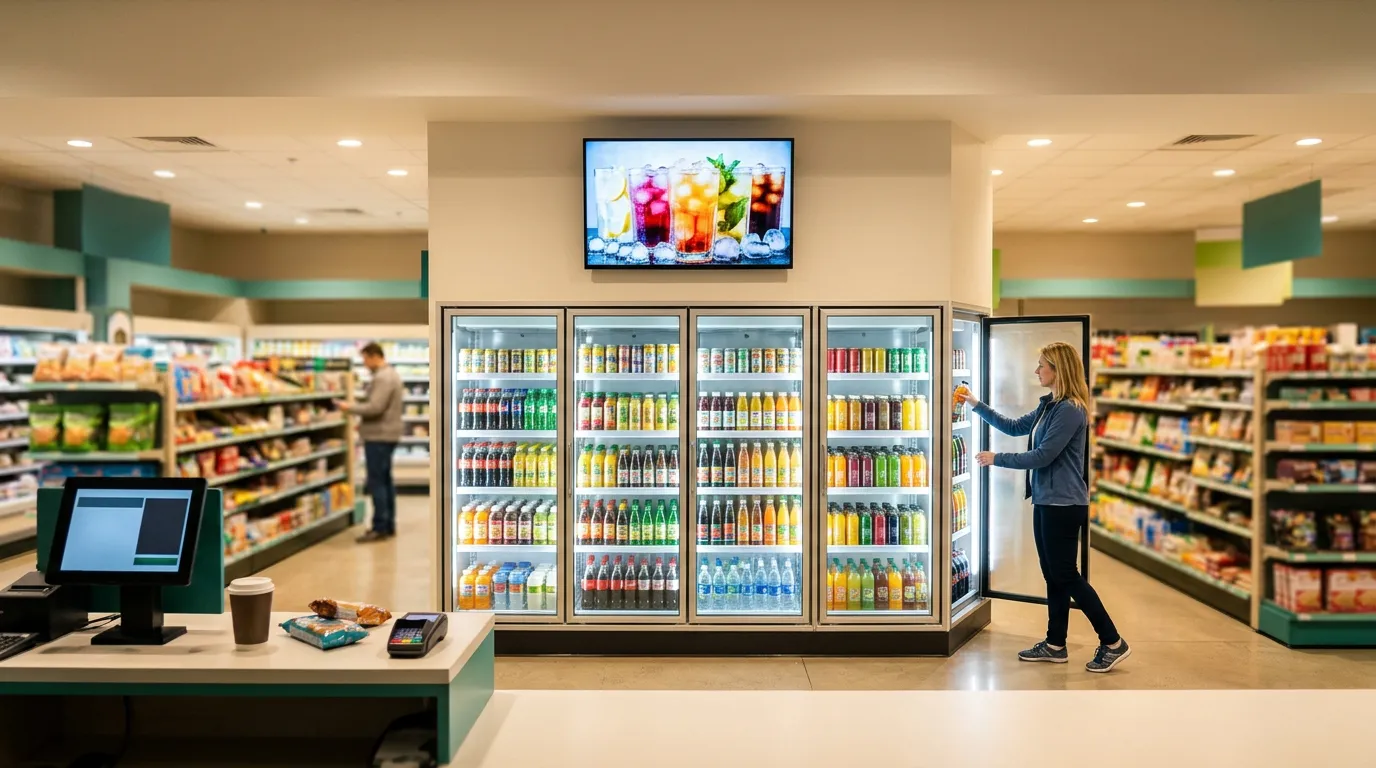
Drinks are one of the biggest sellers in most convenience stores. Cooler screens placed above or beside the cooler doors can promote energy drinks, multi-buy offers, and new flavors right where customers choose.
A standard TV mounted above the coolers works well. Keep the message focused on what's inside, like "2 for $5" on the drinks directly below.
4. At the Coffee and Hot Food Station
Put a screen where customers make their coffee or choose hot food. Show combos, seasonal flavors, and add-ons like a pastry with any coffee.
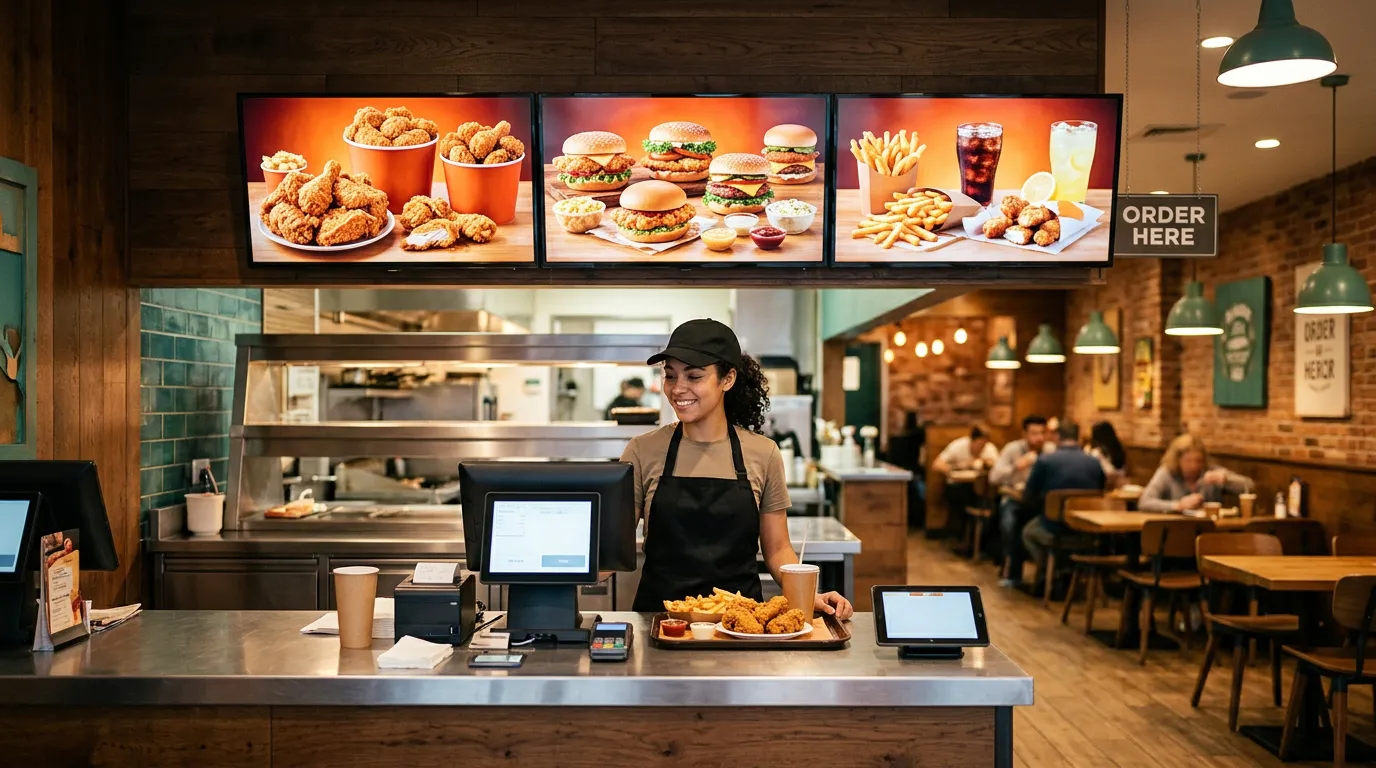
This is also a good spot for a digital menu board if you sell made-to-order food.
5. At the Checkout
Checkout signage is your last chance to add an item to the sale. Customers stand still while they wait and pay, so they actually read what's on screen.
Use the checkout screen for:
Small add-on items like gum, candy, or phone chargers
Lottery or prepaid card reminders, where allowed
Loyalty programs
Coffee or hot food deals for the next visit
A smaller screen often works best here, since customers are standing close.
6. Along the Line
If lines build up during busy hours, a screen along the queue keeps customers' attention and gives them a reason to grab one more item before they reach the counter.
For more placement ideas, see our guide on where to place digital signage in retail stores.
Change Your Content Throughout the Day
Convenience stores serve different customers at different hours. Your screens should match.
Morning: coffee, breakfast sandwiches, energy drinks
Lunch: hot food, sandwiches, combo meals
Afternoon: snacks, cold drinks, ice cream
Evening and late night: pizza, snacks, drinks, and essentials
With scheduling, your screens switch automatically, so nobody has to remember to change them.
If Your Store Is at a Gas Station
Many convenience stores sit at a gas station. A window screen facing the pumps can bring drivers inside for coffee, snacks, or a car wash.
Keep pump-facing messages very short. Drivers are only glancing for a moment. Our page on digital signage for gas stations covers more ideas.
Design Tips for Convenience Store Screens
One message per screen. Don't fit five deals onto one slide.
Large prices. The price is often the reason someone stops.
Bright, appetizing photos. Food and drink images sell better than text.
High contrast. Dark text on a busy background is hard to read. Our guide to the best colors for digital signage explains what works.
Short videos. A few seconds of pouring coffee or a fizzing drink catches attention.
Vertical screens for narrow spaces. A portrait screen fits well beside a cooler or at the end of an aisle.
Rules to Keep in Mind
Some products, like tobacco, vaping products, alcohol, and lottery, have advertising rules that vary by state and city. Check your local regulations before promoting them on screen, especially in a window that faces the street.
How to Get Started With Billiie
With Billiie Digital Signage, you can:
Upload your own images and videos
Show different content on each screen
Schedule content by time and date
Set end dates so old deals disappear automatically
Use full-screen, split-screen, or portrait layouts
Manage every screen from one dashboard
Billiie works with Fire TV and Android TV devices, so you can use a regular TV and a low-cost streaming stick instead of expensive signage hardware.
Your first screen is free, forever, and each additional screen is $1 per month. If you're comparing options, our guide on how much digital signage costs breaks down the full picture.
Start With One Screen
You don't need a screen in every corner on day one. For most convenience stores, the best first screen is at the checkout or above the coolers, where customers are already deciding what to buy.
Once you see which deals sell, add a window screen to bring more people in. Our guide on how to get more walk-in customers has more ideas.
See our pricing, or create your Billiie account and put your first convenience store screen to work today.
Ready to bring Billiie to your business?
Manage your screens, content, and locations from one simple dashboard.
No commercial signage hardware neededPowered by Billiie